TL;DR: What You Need to Know
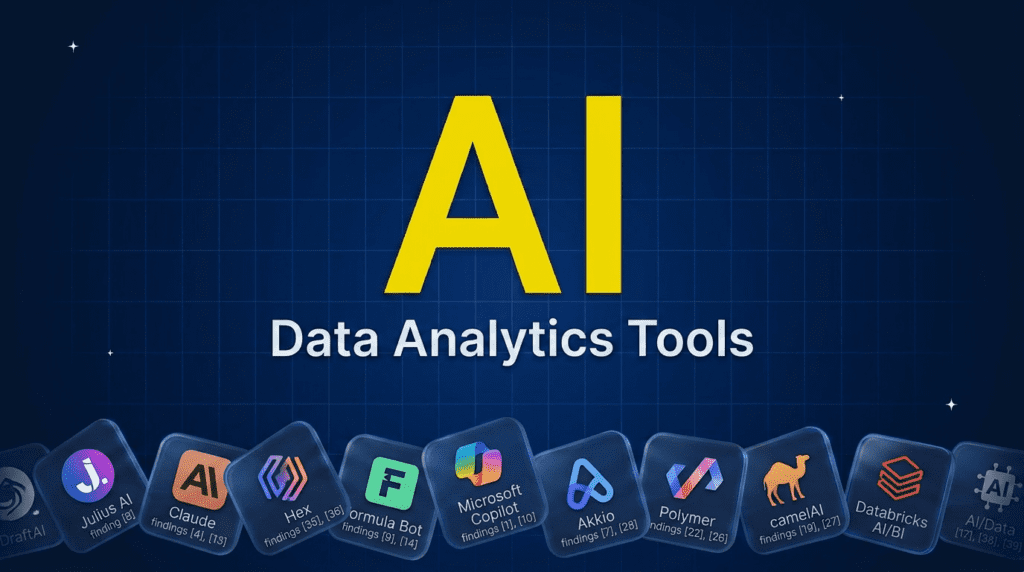
The best AI tools for data analytics let you analyze data by asking questions instead of writing code or SQL. For chatting with your own data, Julius AI and Claude lead, with Hex best for analyst teams. For spreadsheets, Formula Bot turns plain English into analysis, and Microsoft Copilot works inside Excel and Fabric. For no-code prediction, Akkio and Polymer shine, and camelAI and Databricks AI/BI bring chat to your database and warehouse. Pick by where your data lives and how technical you are; most have free tiers, so test on a real dataset first.Pricing verified June 2026. AI tool pricing changes often, so confirm the current price on each vendor’s site before you subscribe. Inside AI Media is not an AI tool vendor; these picks are ranked on merit, not promotion.
The best AI tools for data analytics at a glance
Here is how the main tools compare on what they suit, the AI approach, the free option, and where paid plans start. Pricing changes fast, so confirm on the vendor’s site before subscribing.| Tool | Best for | Approach | Free option | Starting price |
|---|---|---|---|---|
| Julius AI | Chatting with your data | AI data analyst | Yes | $20/mo |
| Claude | Analysis with code | AI assistant | $17/mo | $20/mo |
| Hex | Analyst and data teams | AI notebook workspace | $36/mo | $28/user/mo |
| Formula Bot | Spreadsheet analytics | Plain-English analysis | $18/mo | $15/mo |
| Microsoft Copilot | Excel and Fabric users | In-app analytics | $19.99/mo | $20/mo |
| Akkio | No-code prediction | Predictive ML | Trial | $49/mo |
| Polymer | Instant AI dashboards | Auto-viz | $5/mo | $25/mo |
| camelAI | Chatting with a database | NL to SQL | $40/mo | Quote |
| Databricks AI/BI | Warehouse-native analysis | Genie conversation | With platform | Usage-based |
What are AI tools for data analytics?
They are tools that let you analyze data using natural language, so you can find answers without writing code, SQL, or complex formulas. Upload a spreadsheet or connect a database, ask a question, and the AI runs the analysis, builds the chart, and explains the result. Some are dedicated analysts, some are spreadsheet add-ons, some predict outcomes with no-code machine learning, and some sit on top of your data warehouse. This is related to business intelligence but broader: BI is mostly about dashboards and reporting, while data analytics here means actively exploring and analyzing data. For the dashboard side, see our best AI tools for business intelligence guide.How we picked this AI tools for data analysis
We are an independent publisher and do not sell analytics software, so none of these picks is our own product. We weighed each on how well its AI actually analyzes data, accuracy and the ability to check its work, ease of use for non-technical people, the free tier, and value. We focused on mostly US-based tools that real teams use, and we note where a tool is a general assistant versus a purpose-built analytics platform.Best AI data analysts and workspaces
These let you analyze data through conversation or an AI-assisted workspace, no heavy coding required.1. Julius AI, best for chatting with your data
Julius AI is purpose-built for data analysis: upload a spreadsheet or connect a source, ask questions in plain English, and it runs the analysis, builds visualizations, and runs statistical models, showing the work behind each answer. For analysts and non-analysts who want to interrogate a dataset conversationally, it is the standout dedicated tool.- Best for: Conversational analysis of your own datasets.
- Pricing: Free tier; paid from around $20/mo.
- Skip if: you need a governed enterprise BI platform.
2. Claude, best for analysis with transparent code
Claude is strong at data analysis that involves reasoning and code, working through a dataset carefully and producing clear, well-explained results, and it can build interactive analyses you can explore. Many analysts reach for it on the more considered or code-heavy work. As with any general assistant, check its results and mind what data you share.- Best for: Reasoning-heavy, code-based analysis.
- Pricing: Free; Pro $20/mo ($17/mo billed annually); Max from $100/mo.
- Skip if: you want a dedicated analytics interface.
3. Hex, best for analyst and data teams
Hex is an AI-powered data workspace where analysts explore data with SQL and Python in collaborative notebooks, and its Notebook Magic AI writes queries and code, explains results, and builds charts from plain-English prompts. For data teams that want AI assistance inside a real analytics environment rather than a chat box, it is a leading modern choice.- Best for: Data teams wanting AI inside a real analytics workspace.
- Pricing: Community free; Professional $36/editor/mo; Team $75/editor/mo; Enterprise custom.
- Skip if: you are non-technical and want a simple chat tool.
Best AI tools for spreadsheet analytics
Most business data still lives in spreadsheets, and these bring AI to it.4. Formula Bot, best for plain-English spreadsheet analysis
Formula Bot turns plain-English requests into formulas, analysis, and charts, and can analyze an uploaded spreadsheet or even build one from a prompt. It is a fast, low-cost way to get answers from spreadsheet data without being a formula expert. For more spreadsheet-specific AI, see our best AI tools for Excel guide.- Best for: Analyzing spreadsheets without writing formulas.
- Pricing: Free tier; Starter $18/mo; Max $29/user/mo; Enterprise $149/user/mo (annual saves about 30%).
- Skip if: your data lives in databases, not spreadsheets.
5. Microsoft Copilot, best for Excel and Fabric users
Microsoft Copilot brings AI analysis directly into Excel and the wider Fabric data platform, letting you analyze, summarize, and visualize data in the tools you already use, and even run analysis from inside a cell. For organizations on Microsoft, it is the most integrated way to add AI to everyday analytics.- Best for: Analytics inside Excel and the Microsoft data stack.
- Pricing: Free baseline; Microsoft 365 Premium (advanced Copilot) $19.99/mo; Personal $9.99/mo; Family $12.99/mo.
- Skip if: you are not a Microsoft user.
Best AI tools for no-code prediction and dashboards
These go beyond describing data to predicting outcomes and auto-building visuals.6. Akkio, best for no-code predictive analytics
Akkio lets non-technical teams build predictive models, like forecasting sales or scoring leads, by connecting data and letting AI do the machine learning, with no data science required. For business teams that want prediction rather than just hindsight, it makes ML genuinely accessible.- Best for: No-code prediction and forecasting.
- Pricing: Trial; paid from around $49/mo.
- Skip if: you only need to analyze past data.
7. Polymer, best for instant AI dashboards
Polymer turns a spreadsheet or data source into an interactive, AI-built dashboard in minutes, automatically detecting fields and suggesting visualizations, with natural-language exploration on top. For teams that want a quick visual view of their data without building it by hand, it is fast and approachable.- Best for: Auto-generated dashboards from raw data.
- Pricing: 7-day trial; Basic $10/mo ($5/mo annually); Starter $50/mo; Pro $100/mo; Enterprise custom.
- Skip if: you need a full enterprise BI platform.
Best AI tools for database and warehouse analytics
When the data lives in a database or warehouse, these bring conversation to it.8. camelAI, best for chatting with a database
camelAI connects to your database and lets you ask questions in plain English, translating them into SQL and returning answers and charts, so non-technical users can query data directly. For teams whose data sits in a database rather than spreadsheets, it removes the SQL barrier to getting answers.- Best for: Natural-language querying of databases.
- Pricing: Free (bring your own API key); Starter $40/mo plus usage; Pro $150/mo; Team $50/seat/mo; Enterprise custom.
- Skip if: your data is mostly in spreadsheets.
9. Databricks AI/BI, best for warehouse-native analysis
Databricks AI/BI, with its Genie experience, lets users ask questions of data in the lakehouse in natural language and get answers grounded in governed, live data. For organizations already on Databricks, it brings conversational analytics to where the data lives without moving it into a separate tool.- Best for: Conversational analytics on a Databricks lakehouse.
- Pricing: Usage-based with the platform.
- Skip if: you are not on Databricks.
How to choose the right AI data analytics tool
Start with where your data lives and how technical you are. For a spreadsheet or one-off dataset, Julius AI or Formula Bot get you answers fast, and Claude handles deeper, code-based analysis. Data teams that want AI inside a real workspace should look at Hex. If you live in Excel or Microsoft, Copilot is the integrated choice; if you want prediction, Akkio; for a quick dashboard, Polymer. When data sits in a database or warehouse, camelAI or Databricks AI/BI bring conversation to it. Whatever you pick, remember AI can be confidently wrong, so check its analysis, keep confidential data out of public tools, and treat the output as a fast first answer that a person verifies before it drives a decision.Frequently asked questions
Yes, many. Julius AI, Claude, and Hex let you analyze data through chat or an AI workspace, Formula Bot and Microsoft Copilot work in spreadsheets, Akkio handles prediction, and camelAI and Databricks AI/BI query databases and warehouses. Most let you ask questions in plain English instead of writing code.
No. Many tools are built for non-coders: Julius AI, Formula Bot, Akkio, and camelAI all let you analyze data by asking questions in plain English. More technical options like Hex and Databricks add AI on top of SQL and Python for analysts who do code, so there is a fit at every skill level.
It depends on your data and skills. Julius AI is the best dedicated tool for chatting with your data, Claude is strong for code-based analysis, Hex suits data teams, Formula Bot and Copilot are best for spreadsheets, Akkio for prediction, and camelAI or Databricks AI/BI for databases and warehouses.
Yes. Julius AI, Claude, Hex, Formula Bot, and camelAI all have free tiers you can analyze data on, and most paid tools offer trials. Free plans usually cap dataset size, queries, or features, so they are good for testing before you commit.
No. AI automates a lot of the manual work in analysis and lets non-experts get answers, but skilled analysts are still needed to prepare data, ask the right questions, interpret results in context, and catch when the AI is wrong. The role shifts toward higher-value analysis rather than disappearing.

Inside AI Media is a global platform that covers what’s happening in AI without the fluff. From breaking news to practical use cases, it keeps professionals, builders, and decision-makers updated on the latest in artificial intelligence, so they can make better, faster decisions and stay ahead.