Every team (and their dog and cat) has a task management tool now. At this point it is not a “must-have” so much as a default setting on every team’s desktop.
The problem is that not everyone is using the right one, and they are not to be blamed. There are hundreds of options out there. Task management software is now a USD 4.5 billion market, and most tools look identical until you are actually inside using one. (Let’s not ignore the daily “I built a task management workflow using AI” posts either.)
We rolled up our sleeves and worked through the field. Out of that entire market, only 12 tools made the cut. Just 12.
In this guide we break down what each tool does best, who it is not built for, and how to pick the right one for your team. If you want to go deeper on automation, read this alongside our guide to the best AI tools for project management.
Read on to see what we found.
TL;DR: What You Need to Know About Task Management Tools
- Task management software helps you capture, organize, assign, and track work, which makes project management easier and more predictable.
- Most task management tools now include AI for task drafting and automation, but capability varies widely. Check what each platform actually does before treating it as a differentiator.
- Every task management tool caters to a specific use case; none of them is a true one-size-fits-all pick.
- ClickUp and Asana lead for most teams, Wrike scales better at size, and Trello, Notion, and Smartsheet each suit a different working style.
- To choose the best tool, start by identifying whether you are organizing personal work, a small team, or a large project with multiple stakeholders.
Pricing verified July 2026. AI tool pricing changes often, so confirm the current price on each vendor’s site before you subscribe. Inside AI Media is not an AI tool vendor; these picks are ranked on merit, not promotion.
The 12 Best Task Management Software at a Glance
Here is how the main tools compare on who they suit, what they are best at, and their pricing model. Most offer a free tier with paid upgrades, so confirm current plans with the vendor.
| Tool | Best For | Type | Pricing |
|---|---|---|---|
| ClickUp | All-in-one team work management | Team | Free / paid |
| Asana | Structured team task management | Team | Free / paid |
| Monday.com | Visual, customizable Work OS | Team | Free / paid |
| Wrike | Larger teams and enterprise | Team | Free / paid |
| Trello | Simple Kanban boards | Visual | Free / paid |
| Notion | Tasks, docs, and databases together | Flexible | Free / paid |
| Smartsheet | Spreadsheet-style work management | Flexible | Paid / trial |
| Todoist | Best personal task manager | Personal | Free / paid |
| TickTick | Tasks with calendar and habits | Personal | Free / paid |
| Things 3 | Elegant tasks for Apple users | Personal | One-time |
| Microsoft To Do | Free tasks for Microsoft users | Personal | Free |
| Jira | Software and engineering teams | Dev | Free / paid |
Why Choosing the Right Task Management Tool Matters More Than Ever
The market for task management software has never been more crowded, and the differences between tools are no longer obvious from a feature list alone. Here is why getting this decision right deserves more attention than it usually gets.
- AI has widened the gap between good and great tools. Most tools now include AI, but what they do with it varies significantly. Some generate task lists from a brief; others just rename buttons. Choosing wrong means paying for automation that does not actually reduce your workload.
- Remote and async work made task visibility business-critical. When teams are spread across time zones, informal check-ins stop working. A task management tool is often the only shared source of truth for who owns what and where things stand.
- Tool sprawl is quietly killing team productivity. Most teams already juggle email, chat, docs, and spreadsheets. The right task management tool consolidates that fragmentation, much like the best AI collaboration platforms do for communication. The wrong one just adds another tab nobody checks.
- Switching costs are higher than they look. Migrating tasks, workflows, automations, and team habits from one tool to another is genuinely disruptive. Getting the choice right the first time matters more now that these platforms are deeply embedded in how teams operate.
- Pricing has become harder to evaluate. Most tools advertise a free tier but gate the features teams actually need behind mid or high-tier plans. Understanding where the real limits kick in before you commit can save meaningful budget at scale.
Why Trust InsideAIMedia’s Task Management Reviews
We are an independent publisher and do not sell productivity software. None of the tools on this list is our own product.
We grouped tools by who they serve, then evaluated each one across a consistent set of criteria:
- Ease of use: How quickly someone can get set up and start managing real work without a learning curve or IT support.
- Layout flexibility: Whether the tool offers the views your team needs, from simple lists and Kanban boards to Gantt charts and calendars.
- Collaboration and assignment: How well it supports shared workspaces, task ownership, comments, and visibility across the team.
- Integrations: How well each tool connects with the apps teams already use, including communication, file storage, and CRM tools.
- Automation and AI: Whether the platform reduces repetitive manual work through rule-based automations, AI-assisted task creation, or smart scheduling.
- Mobile experience: How usable the mobile app is for teams that manage tasks on the go, not just at a desk.
- Value across pricing tiers: What you get on the free plan, where the meaningful limits kick in, and whether paid tiers are worth the jump.
The focus stayed on tools that individuals and teams rely on day to day. Niche, discontinued, or lightly adopted apps were left out.
Let’s get into the detailed reviews, grouped by best use case.
Best All-in-One Team Task Management
These tools coordinate work across many people and projects, with the depth to run a whole team.
1. ClickUp
Best for: Teams consolidating many tools into one platform.
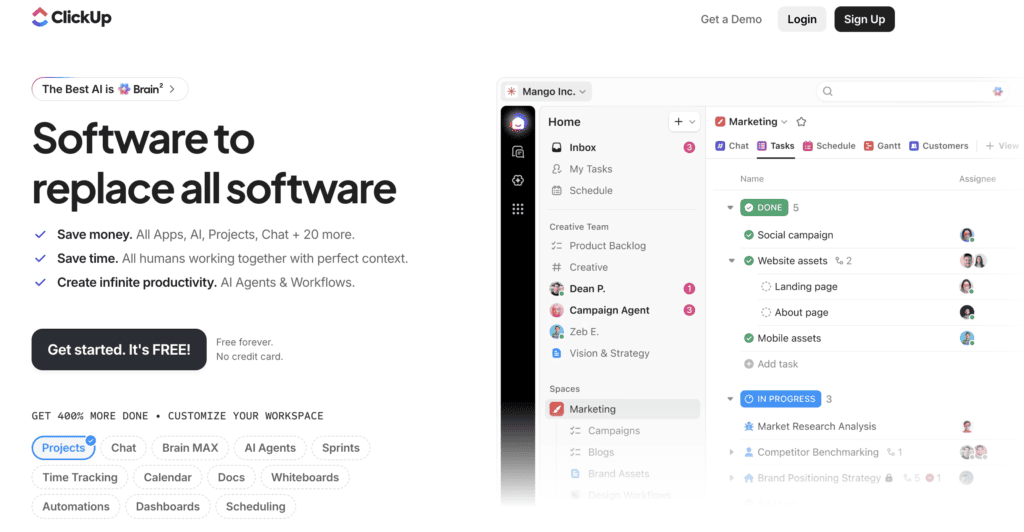
ClickUp packs tasks, docs, goals, dashboards, and automation into one highly customizable platform, with ClickUp Brain adding AI to draft tasks, summarize, and answer questions about your work. For teams that want to replace several tools with one flexible system, it is one of the most capable and configurable options available.
- Pricing: Free tier; paid plans per user.
- Skip if: you want something minimal and simple.
2. Asana
Best for: Reliable, structured team task and project tracking.
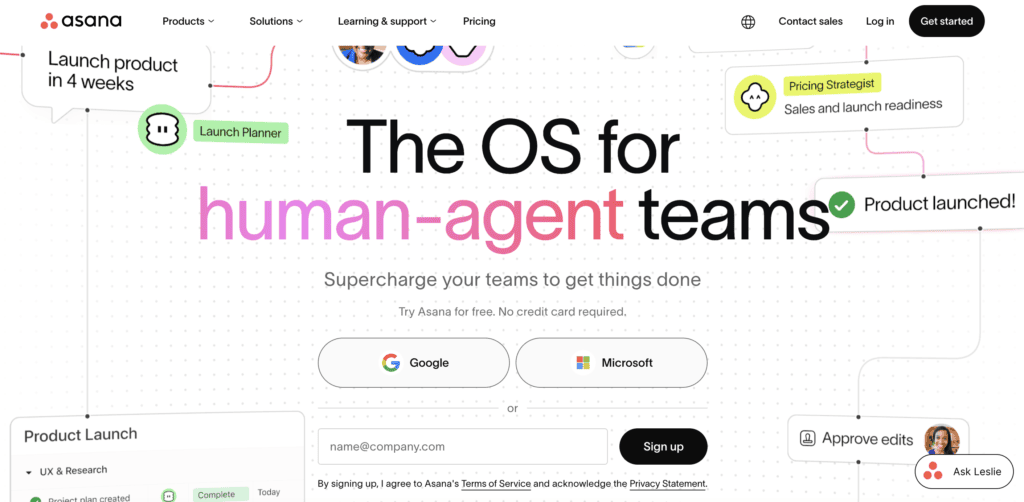
Asana is a polished, widely adopted platform for organizing team tasks and projects across lists, boards, and timelines, with AI features that summarize work and suggest next steps. For teams that want clear ownership, due dates, and dependable structure without much setup, it is one of the most trusted choices.
- Pricing: Free tier; paid plans per user.
- Skip if: you need spreadsheet-style or developer-specific workflows.
3. Monday.com
Best for: Visually managing custom team workflows.
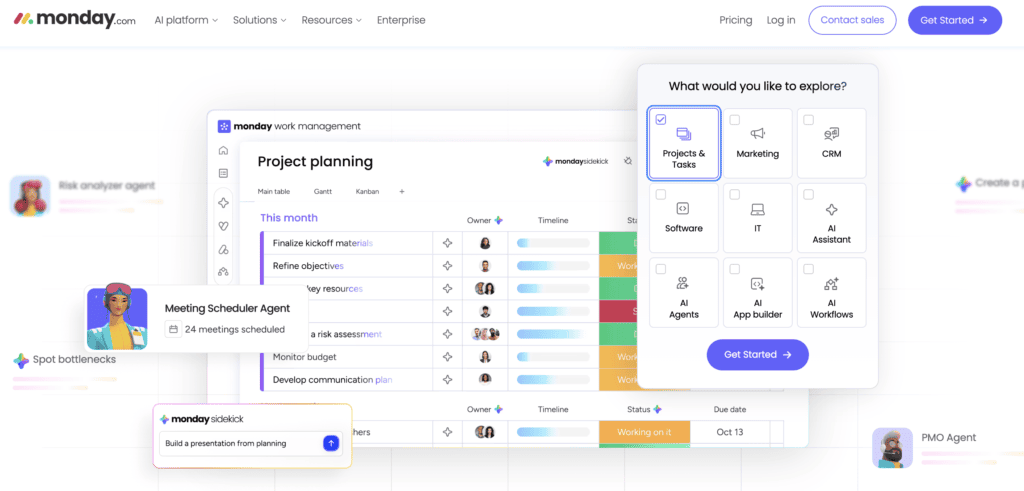
Monday.com is a colorful, highly visual work platform you can shape to almost any process, with boards, automations, and AI to build and update work. For teams that want a flexible, easy-to-configure system that non-technical people enjoy using, it stands out for customization and approachability.
- Pricing: Free tier; paid plans per seat.
- Skip if: you want a free-form personal task app.
4. Wrike
Best for: Larger teams that need depth and reporting.
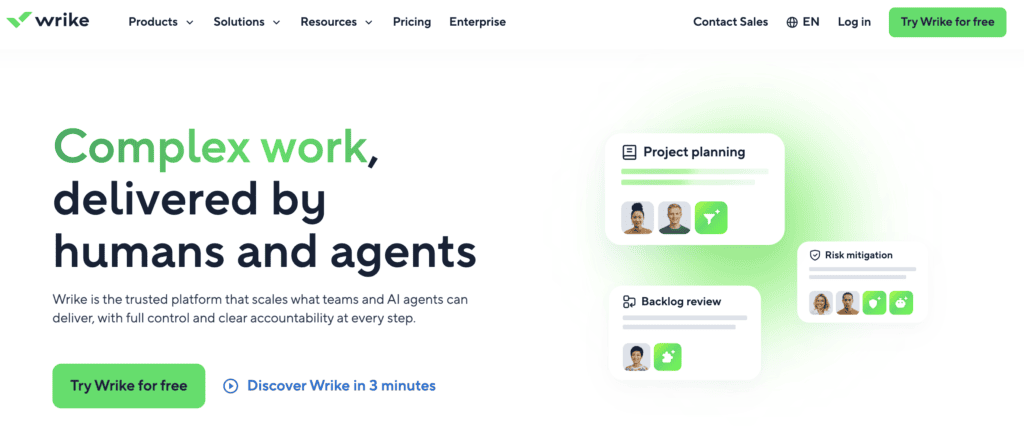
Wrike is a full-featured work management platform built for larger teams and enterprises, with detailed reporting, resource management, proofing, and AI-assisted work. It is especially popular with marketing and professional-services teams. For organizations that need depth, governance, and scale, it is a strong enterprise-grade choice.
- Pricing: Free tier; paid plans per user.
- Skip if: you are a small team wanting something lightweight.
Best Simple, Visual, and Flexible Task Tools
These are easy to start with and built around boards or flexible pages rather than heavy structure.
5. Trello
Best for: Simple, visual Kanban task tracking.
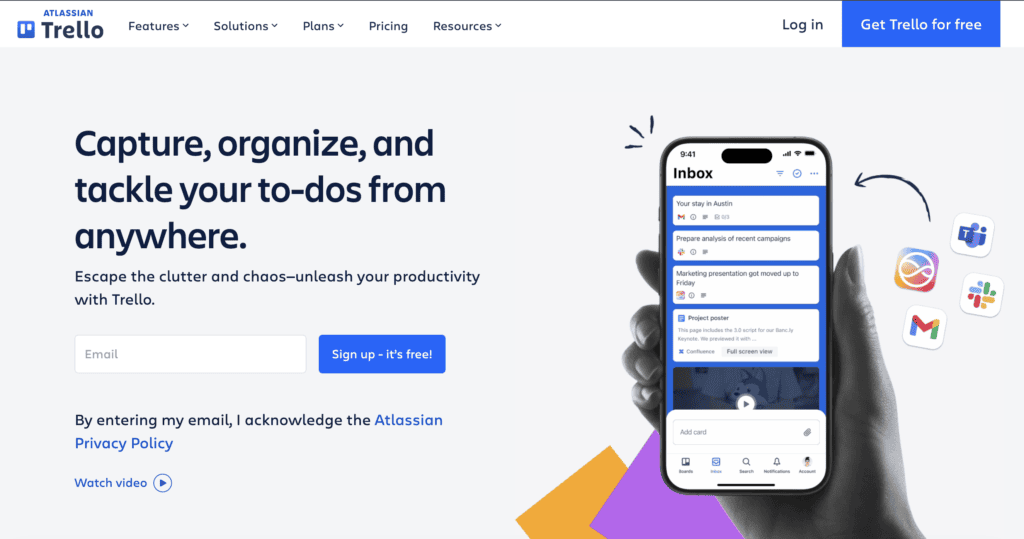
Trello uses drag-and-drop Kanban boards, lists, and cards that anyone can pick up in minutes, with automation (Butler) and power-ups to extend it. For individuals and small teams who want a clear visual way to track tasks without a learning curve, it remains the most approachable board-based tool.
- Pricing: Free tier; paid plans per user.
- Skip if: you need timelines, reporting, or complex projects.
6. Notion
Best for: Tasks integrated with docs and a knowledge base.
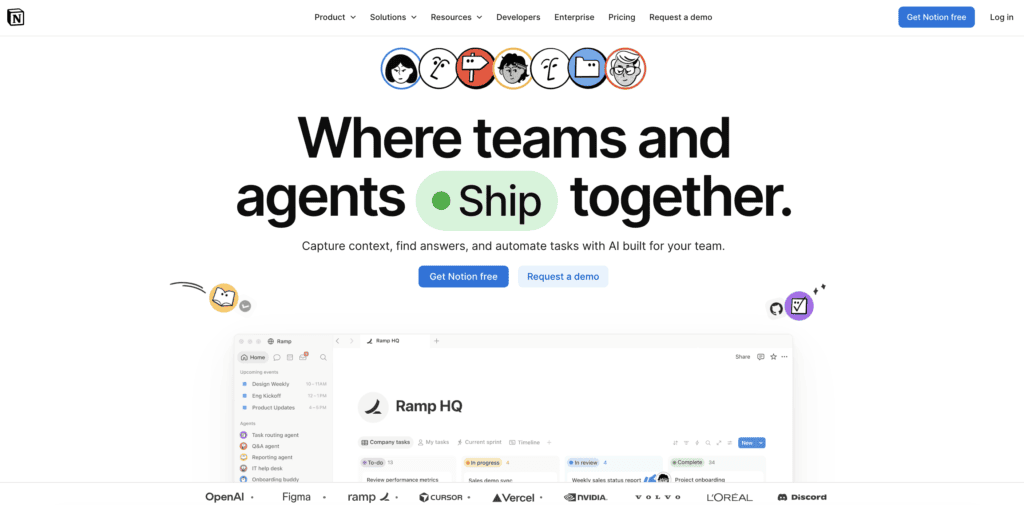
Notion combines notes, docs, wikis, and flexible databases, letting you build custom task systems alongside everything else your team writes, with Notion AI to draft, summarize, and organize. For people who want their tasks living next to their documentation and knowledge, it is uniquely flexible.
- Pricing: Free tier; paid plans per user; AI add-on.
- Skip if: you want a dedicated, opinionated task app out of the box.
7. Smartsheet
Best for: Spreadsheet-style task and project management.
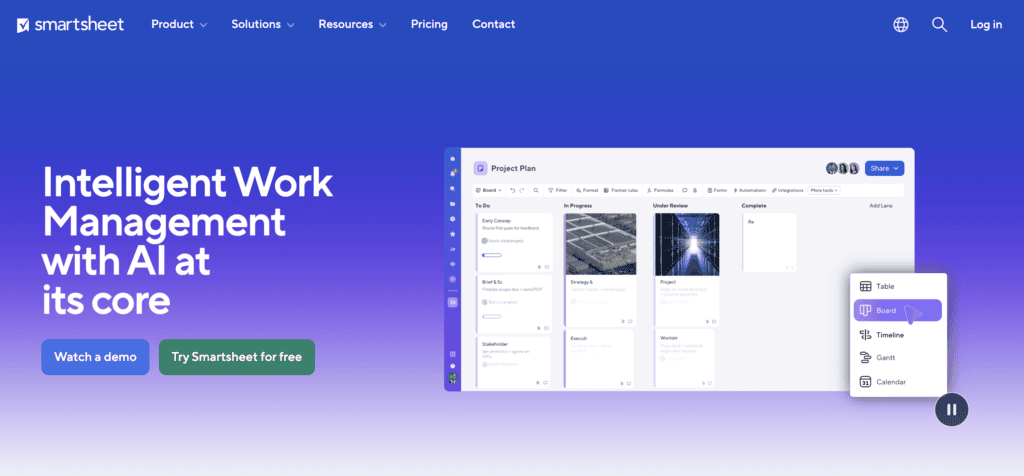
Smartsheet manages tasks and projects in a familiar spreadsheet-like grid, with automation, reporting, and views for teams that think in rows and columns. For organizations migrating from complex spreadsheets that want real project features and AI assistance on top, it bridges the gap well.
- Pricing: Paid plans per user; free trial.
- Skip if: you want a free or board-first tool.
Best Personal Task Managers
These are built for individual productivity: fast capture, clean lists, and getting your own work done.
8. Todoist
Best for: Fast, cross-platform personal task management.
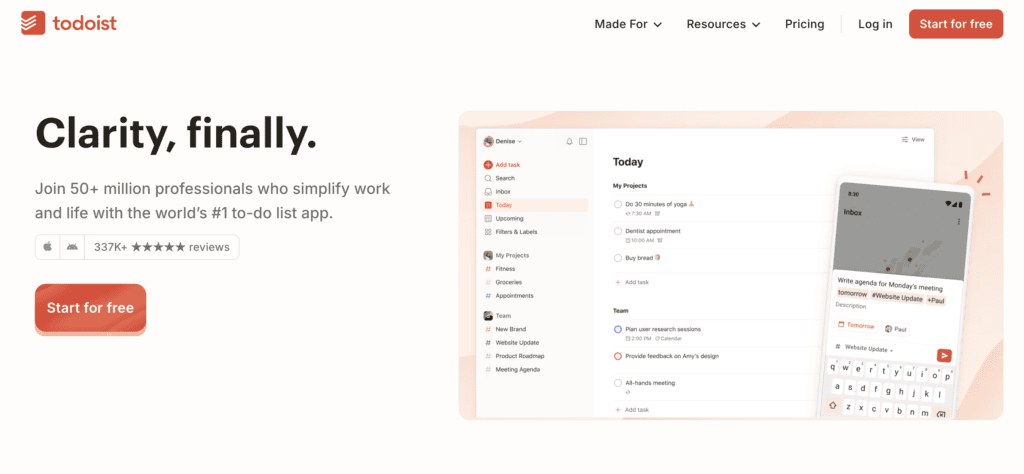
Todoist is a fast, elegant personal task manager with natural-language input, projects, labels, and an AI assistant that helps break down and phrase tasks, available on every platform. For individuals who want a reliable, cross-platform to-do app that stays simple but capable, it is the standout personal choice.
- Pricing: Free tier; Pro per user.
- Skip if: you need heavy team collaboration features.
9. TickTick
Best for: Tasks combined with calendar and habit tracking.
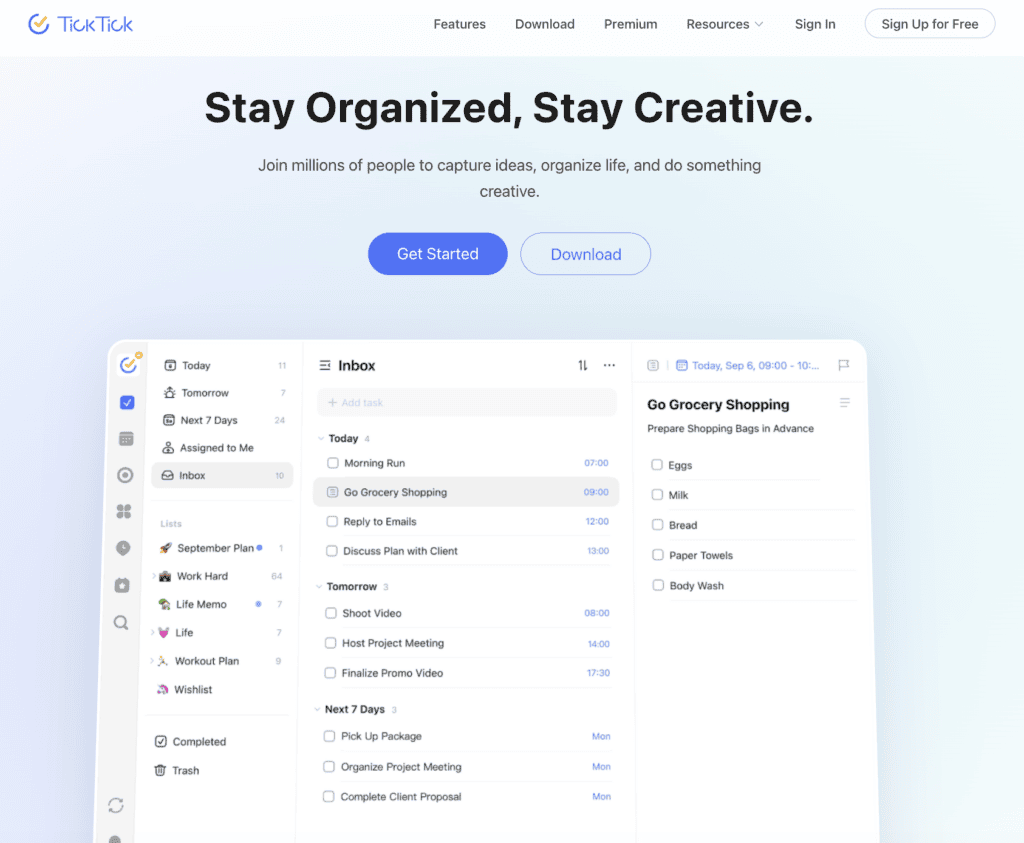
TickTick blends task management with a built-in calendar, habit tracker, and Pomodoro timer, making it a strong all-in-one personal productivity app. For people who want tasks, scheduling, and habit-building in one place, it offers more out of the box than most personal apps.
- Pricing: Free tier; Premium per user.
- Skip if: you only need a bare-bones to-do list.
10. Things 3
Best for: Elegant personal task management on Apple devices.
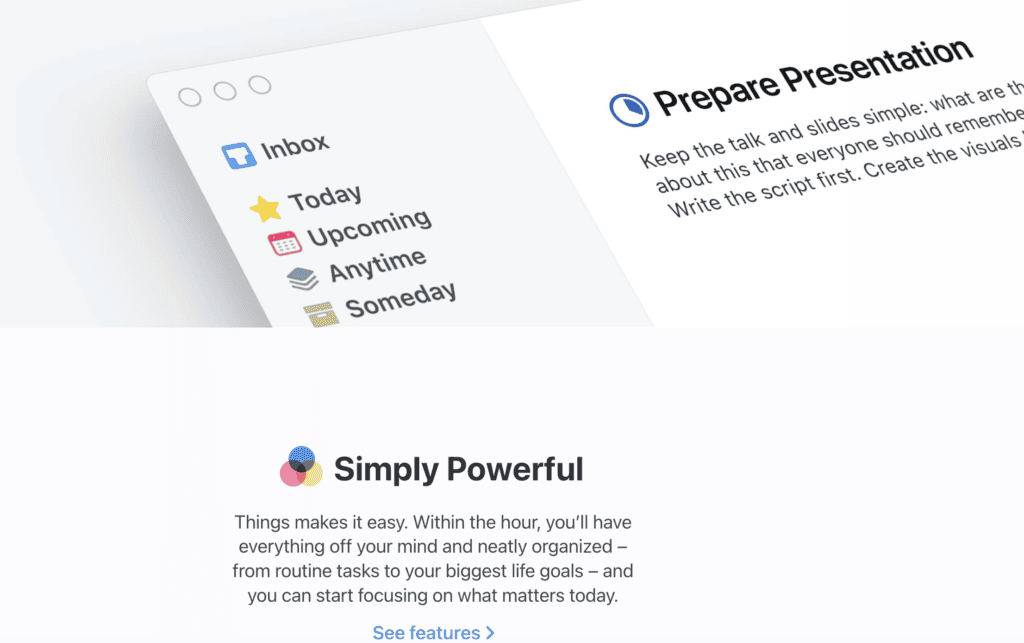
Things 3 is a beautifully designed personal task manager for Apple devices, known for its clean interface and thoughtful approach to organizing tasks, projects, and areas. For iPhone, iPad, and Mac users who value design and a calm, focused experience, it is the most refined option, sold as a one-time purchase rather than a subscription.
- Pricing: One-time purchase per platform.
- Skip if: you use Android, Windows, or need team features.
11. Microsoft To Do
Best for: Free personal tasks inside Microsoft 365.
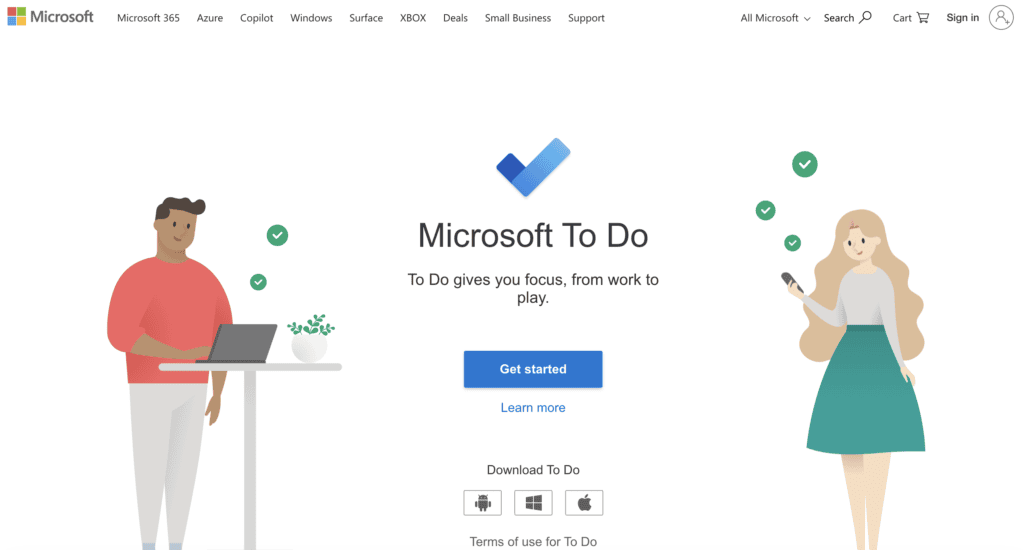
Microsoft To Do is a free, clean task app that integrates with Outlook, Microsoft 365, and Planner, with daily planning (“My Day”) and reminders. For people already in the Microsoft ecosystem who want a no-cost personal task manager that connects to their email and calendar, it is the natural fit.
- Pricing: Free.
- Skip if: you need advanced features or work outside Microsoft’s tools.
Best Task Tracker for Software Teams
This one is built specifically for how engineering teams plan and ship.
12. Jira
Best for: Agile task and issue tracking for dev teams.
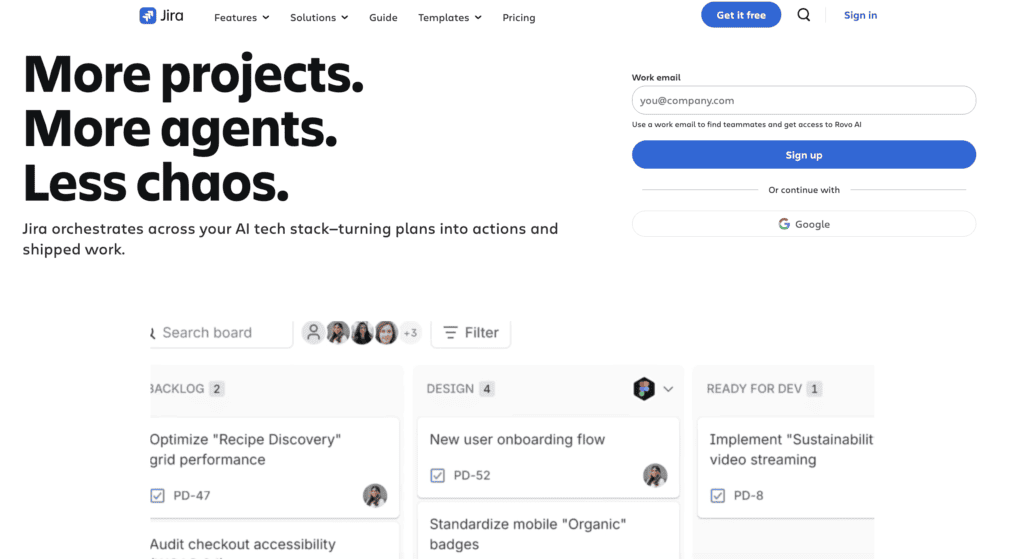
Jira is the standard task and issue tracker for software teams, built around agile workflows like Scrum and Kanban, with sprints, backlogs, roadmaps, and AI assistance. For development teams that need to plan, track, and ship software with full agile support and deep developer-tool integrations, it is the established choice.
- Pricing: Free tier; paid plans per user.
- Skip if: you are a non-technical team wanting something simpler.
How to Choose the Best Task Management Tool for Your Team
Task management software should start with who is organizing the work, not which tool is trendiest. Its real job is to let you assign tasks with deadlines and trust they get done without hovering. You need visibility into what everyone is working on, and how much is complete, at a glance.
Start with who is organizing the work. ClickUp and Monday.com work best for team-wide project management and offer the most flexibility. Asana works well for teams that prefer clean structure, and Wrike scales better for larger organizations.
For personal productivity, Todoist leads the category. TickTick adds a built-in calendar and habit tracking, and Things 3 is the strongest option for Apple users. Microsoft To Do is worth considering if you want something free and Microsoft-connected.
Once you have a shortlist, weigh these factors:
- Ease of use: How quickly can your team get up and running without training or IT support?
- Views and layouts: Do you need Kanban boards, Gantt charts, calendar views, or list-based tracking? Not every tool offers all of these.
- Integrations: Check whether the tool connects natively with the apps your team already uses, whether that is Slack, Google Workspace, or your CRM.
- AI and automation: Some platforms now include AI-assisted task creation, smart scheduling, and workflow automation. These can meaningfully reduce manual work at scale.
- Total cost per user: Free tiers exist across most tools, but costs add up quickly as your team grows or you need advanced features.
Trial two tools with real tasks before rolling anything out to a wider team.
In a Nutshell
The best task management tool is rarely the most feature-rich one. It is the one your team actually uses consistently. Start with your real workflow, not an ideal one, and match the tool to how work gets done today. Most options here offer free tiers, so there is little reason not to test before committing.
Many teams pair their task manager with an AI note-taker or a dedicated AI meeting assistant so discussions turn into tracked action items instead of forgotten to-dos.
Pick two, run them with real tasks, and let that experience make the decision for you.
Frequently Asked Questions
It depends on your needs. For teams, ClickUp, Asana, and Monday.com are the top all-in-one platforms. For personal task management, Todoist is the best overall, and for software teams, Jira is the standard. The right choice comes down to whether you are organizing yourself, a team, or complex projects.
The main difference is scope. Task management focuses on capturing, assigning, and tracking individual tasks, while project management adds timelines, dependencies, resources, and budgets. The line has blurred, though: many tools like ClickUp and Asana now handle both, while personal apps like Todoist stay focused purely on tasks.
Yes. ClickUp, Asana, Trello, Notion, Todoist, TickTick, and Jira all offer free tiers, and Microsoft To Do is completely free. Free plans are often enough for individuals and small teams, with paid tiers adding advanced features, automation, and higher limits.
Increasingly, yes. Most leading tools have added AI, including ClickUp Brain, Asana AI, Notion AI, and Todoist’s assistant, to draft and break down tasks, summarize updates, suggest priorities, and automate routine steps. AI is quickly becoming a standard part of modern task management software.
Todoist is the best all-round personal task manager for most people, thanks to its speed, cross-platform apps, and clean design. TickTick is excellent if you want a built-in calendar and habit tracker, Things 3 is ideal for Apple users who value design, and Microsoft To Do is the best free option for Microsoft users.

Inside AI Media is a global platform that covers what’s happening in AI without the fluff. From breaking news to practical use cases, it keeps professionals, builders, and decision-makers updated on the latest in artificial intelligence, so they can make better, faster decisions and stay ahead.