Somewhere in your week there is a task you have done a hundred times: copying leads into the CRM, chasing an approval, renaming the same batch of files. Automation software has promised to erase that work for a decade. What changed in 2026 is that AI now handles the judgment inside the workflow, not just the handoff between apps.
A workflow can now read a messy email, decide what it means, draft the reply, and file the outcome, work that used to need a human in the middle. The same models behind the top generative AI tools now run inside Zapier workflows and enterprise RPA bots.
We compared the field and kept 10 tools: three no-code platforms, four AI-native tools, and three enterprise heavyweights. Here is where each fits, what it costs, and when to skip it.
TL;DR: What You Need to Know
The best AI tools for automation connect your apps and handle repetitive work for you, increasingly with AI making decisions inside the workflow. For no-code automation, Zapier, Make, and n8n lead. For AI-native automation, Gumloop chains AI steps, Bardeen automates browser tasks, Parabola handles data, and Lindy runs AI agents across your inbox and meetings. For enterprise scale, Microsoft Power Automate, UiPath, and Workato add RPA and deep integration. Start with the tool that fits your stack and technical level, and automate your single biggest time sink first.
Pricing verified July 2026. AI tool pricing changes often, so confirm the current price on each vendor’s site before you subscribe. Inside AI Media is not an AI tool vendor; these picks are ranked on merit, not promotion.
The Best AI Tools for Automation at a Glance
Here is how the main tools compare on what they suit, the type, the free option, and where paid plans start. Pricing changes fast, so confirm on the vendor’s site before subscribing.
| Tool | Best for | Type | Free option | Starting price |
|---|---|---|---|---|
| Zapier | Connecting apps, no code | Integration | Yes | $20/mo |
| Make | Visual, complex workflows | Integration | Yes | $9/mo |
| n8n | Flexible, self-hostable | Integration | Yes | Free / $20/mo |
| Gumloop | AI-native automation flows | AI automation | Yes | $37/mo |
| Bardeen | Browser and task automation | AI automation | Yes | $10/mo |
| Parabola | Data workflow automation | Data automation | Yes | $400/mo |
| Lindy | AI agents for inbox and meetings | AI agent automation | Trial only | $49.99/mo |
| Power Automate | Microsoft stack + RPA | Enterprise / RPA | Trial only | $15/user/mo |
| UiPath | Enterprise RPA + agents | Enterprise / RPA | No | $25/mo |
| Workato | Enterprise integration | Enterprise iPaaS | Demo | Quote |
How Is AI Used in Automation?
Traditional automation follows fixed rules: when X happens, do Y. AI changes that by adding judgment inside the workflow, so automations can read and write content, classify and extract information, make decisions, and handle messy, unstructured inputs that rigid rules cannot. The newest tools go further, with AI agents that plan and carry out multi-step tasks on their own. In practice this means automating not just data moving between apps, but the thinking around it, drafting replies, summarizing documents, routing requests, so a small team offloads far more work. The biggest wins are usually in connecting apps and automating repetitive, decision-light tasks first. For autonomous agents specifically, see our best AI agents guide.
How We Picked These Automation Tools
We are an independent publisher and do not sell automation software, so none of these picks is our own product. We grouped tools by how you automate, then weighed each on capability, the number of app integrations, how much AI adds beyond rule-based automation, fit for non-technical users as well as enterprises, and value. We note where a tool is a no-code connector versus an enterprise RPA platform.
Best No-Code Automation Platforms
These connect your apps and automate workflows without writing code, now with AI built in.
1. Zapier
Best for: Broad app connections and easy no-code automation.
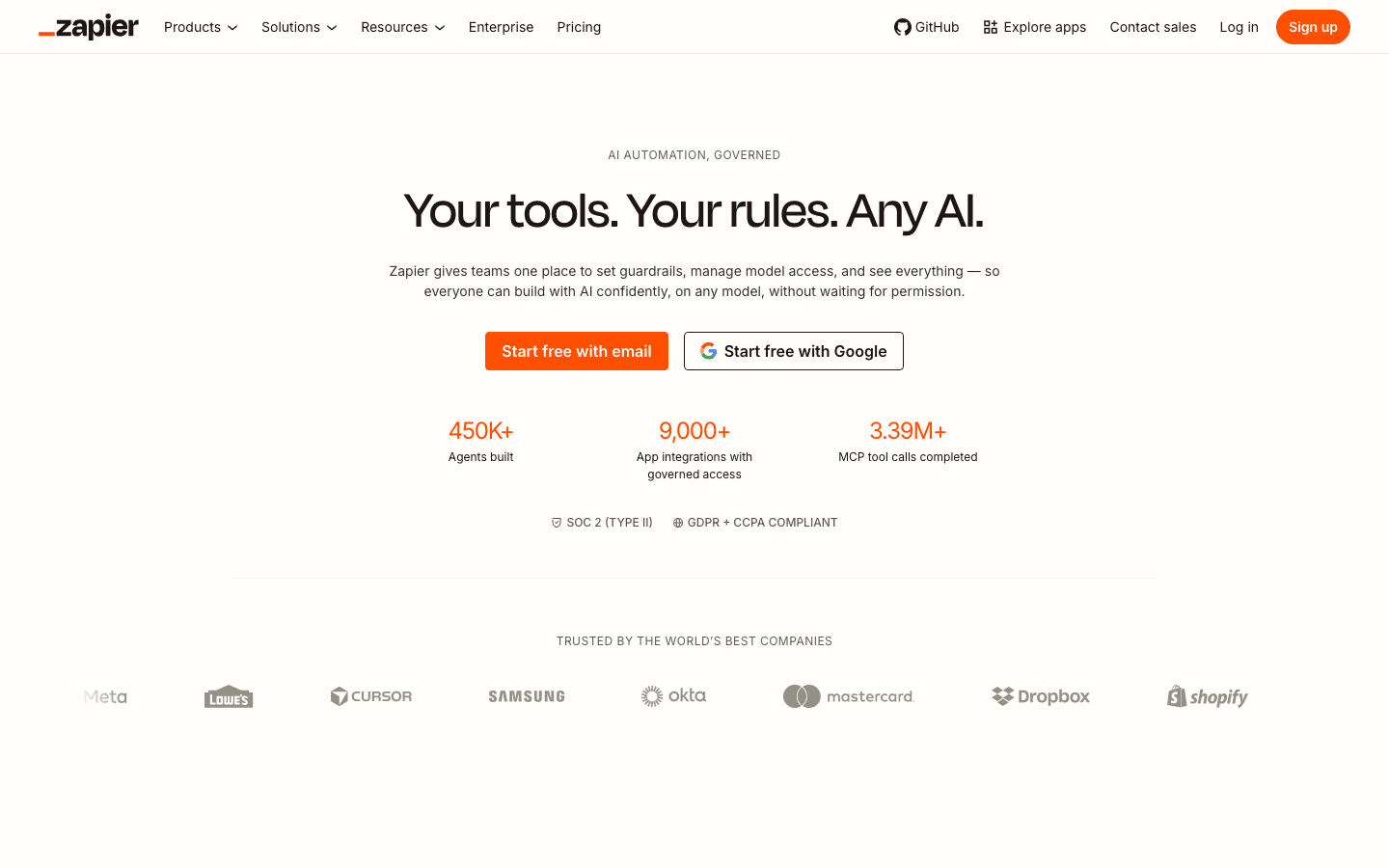
Zapier connects more apps than anything else, thousands of them, and its AI features now build automations from a description, generate steps, and add AI actions like drafting or classifying inside a workflow. For most people and small teams, it is the easiest, most flexible way to automate work across the tools they already use.
- Pricing: Free tier; paid from around $20/mo.
- Skip if: you need complex logic at low cost.
2. Make
Best for: Complex, visual workflows at good value.
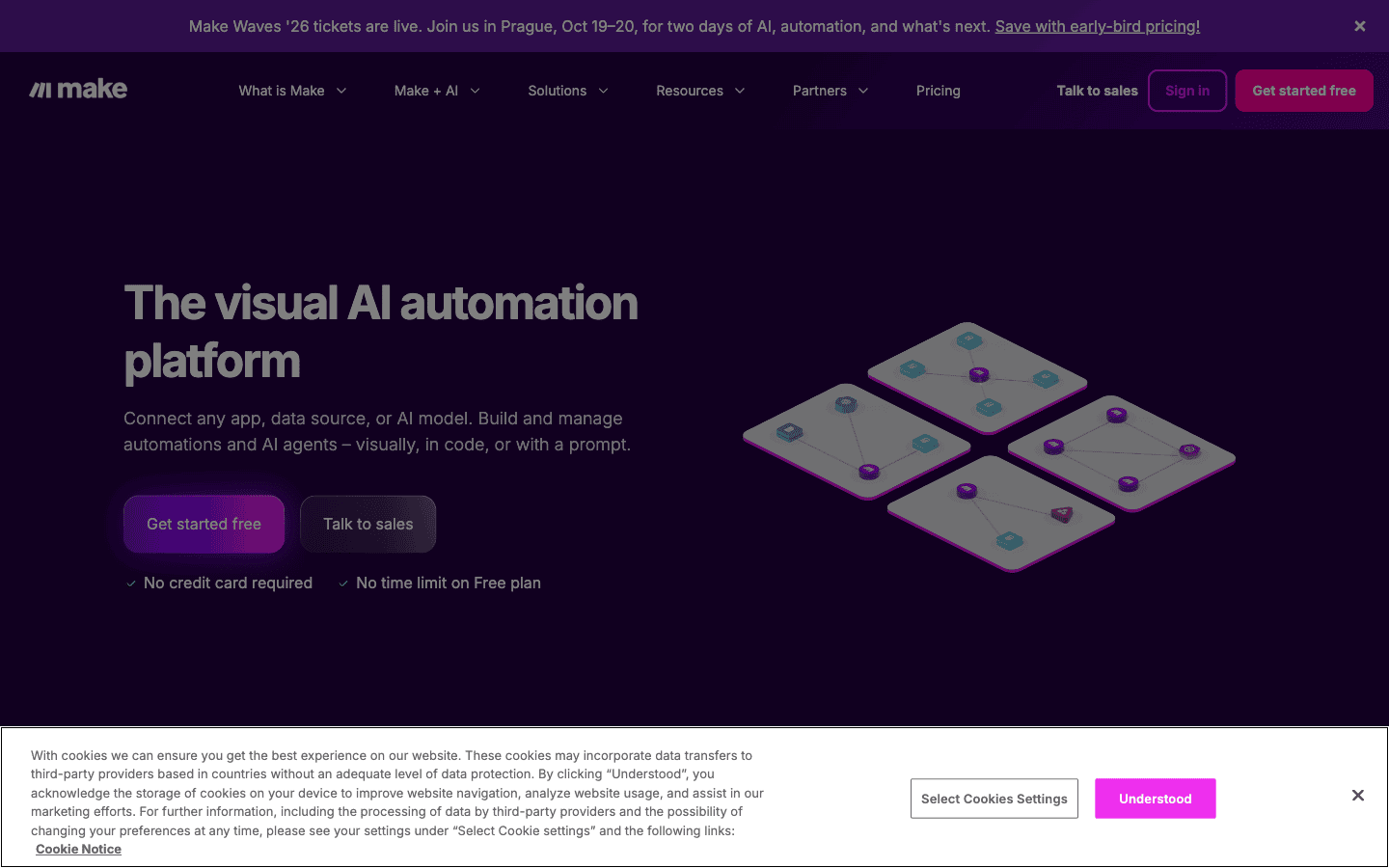
Make gives you a visual canvas to build detailed, multi-step automations with branching, loops, and logic that go beyond simple triggers, with AI modules to add intelligence. It is more powerful than Zapier for complex scenarios and often cheaper at volume, which makes it a favorite for automation-savvy users.
- Pricing: Free (1,000 credits/mo); Make plan $9/mo (5,000 credits); Pro scales by credits; Enterprise custom.
- Skip if: you want the simplest possible setup.
3. n8n
Best for: Flexible, self-hosted automation with AI.
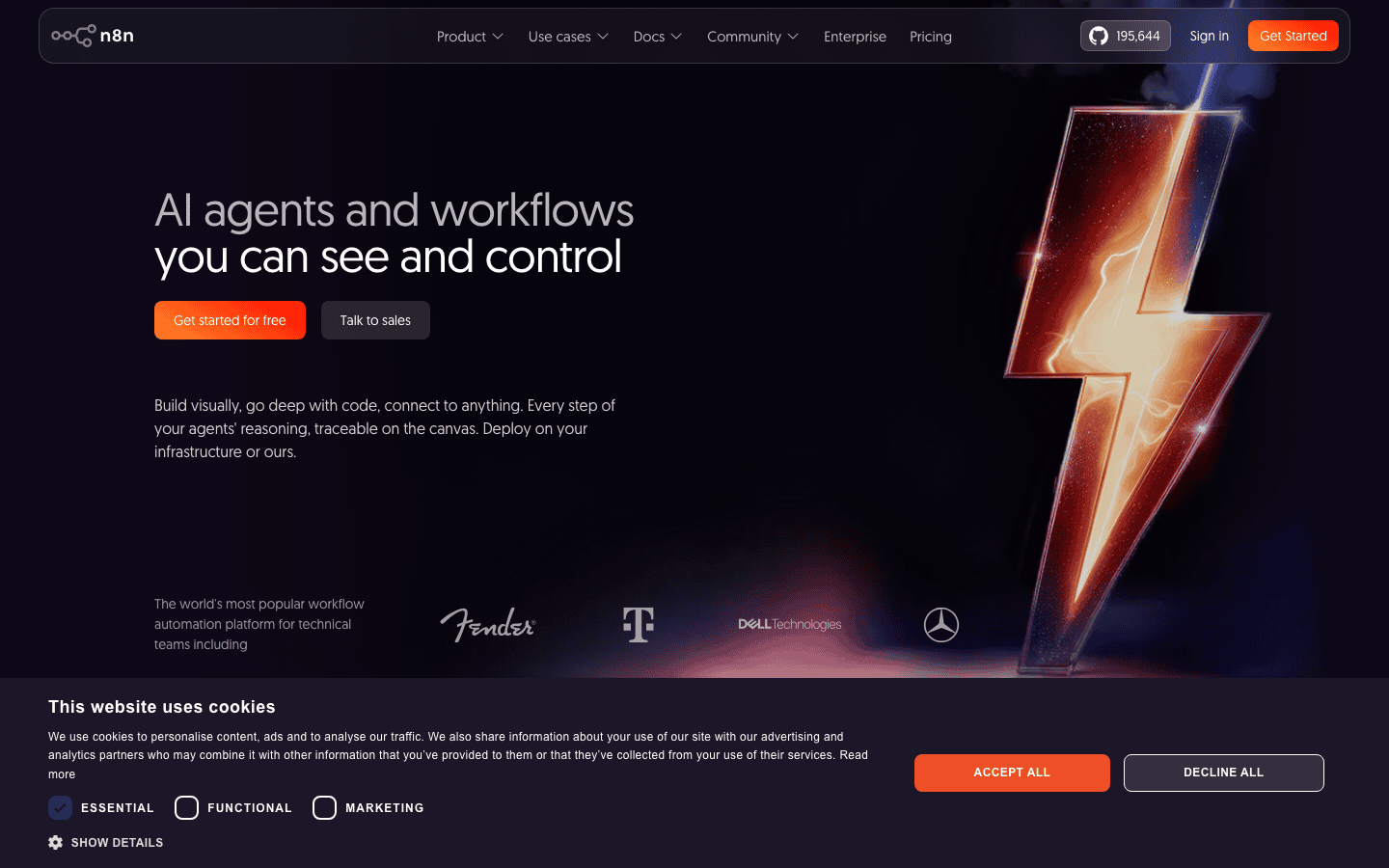
n8n is a powerful automation platform you can self-host for full control over data and cost, with strong AI and agent capabilities for building advanced workflows. It is more technical than Zapier or Make but far more flexible, making it the pick for developers and teams that want to own their automation.
- Pricing: Free and open source (self-hosted); paid Cloud from about EUR 20/mo (Starter), Pro EUR 50/mo; execution-based.
- Skip if: you want zero setup and full support.
Best AI-Native Automation Tools
These are built around AI rather than adding it to rule-based automation.
4. Gumloop
Best for: Multi-step automations where AI does the work.
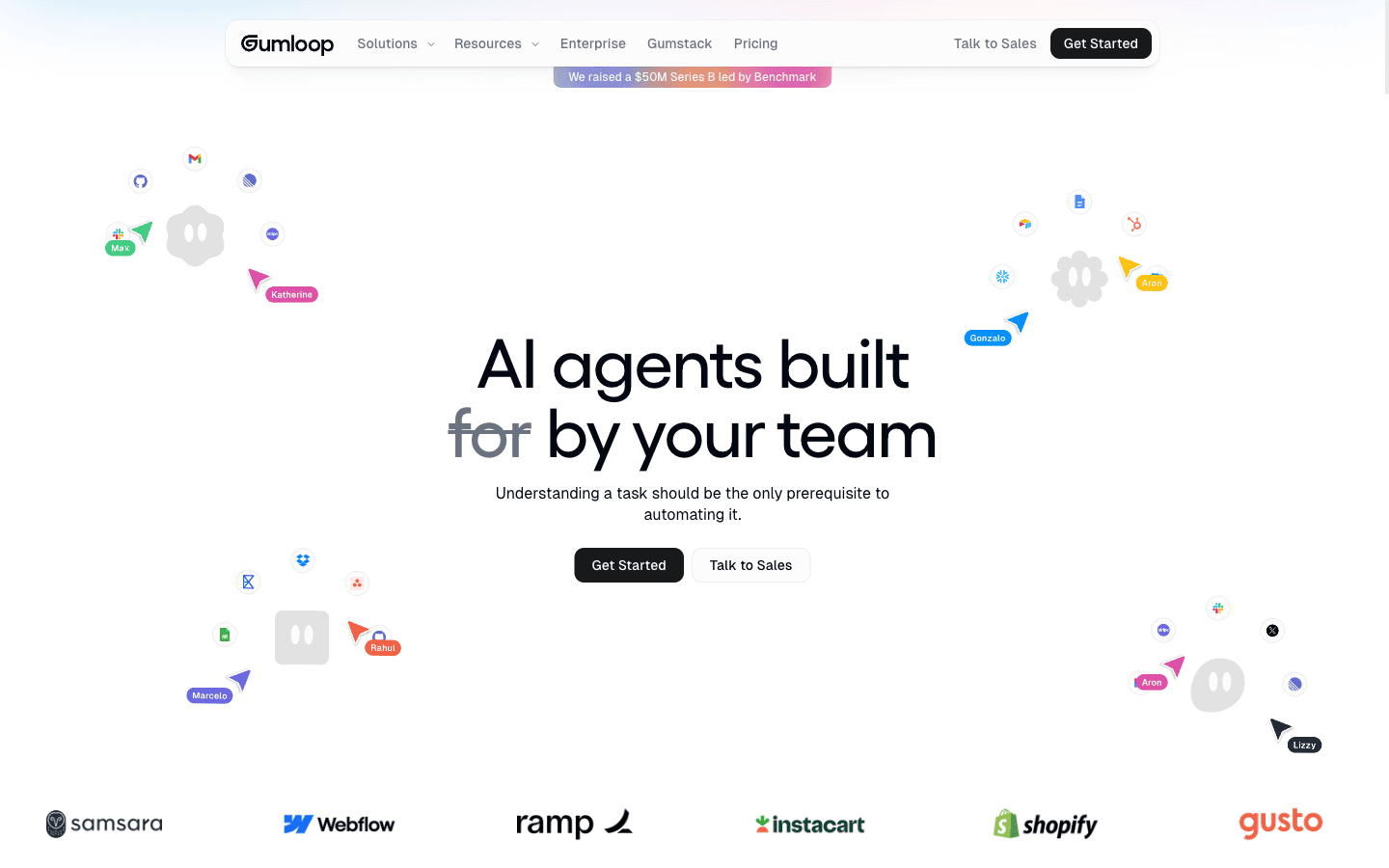
Gumloop builds AI-powered automations on a visual canvas, chaining steps that scrape, summarize, analyze, and act, with AI at the core of each node. It suits teams that want workflows where the AI does real work, like processing documents or research, not just moving data between apps.
- Pricing: Free (5,000 credits/mo); Pro $37/mo (about $29.60/mo annually); Enterprise custom.
- Skip if: you want a cheaper, simpler connector.
5. Bardeen
Best for: Automating repetitive browser and web tasks.
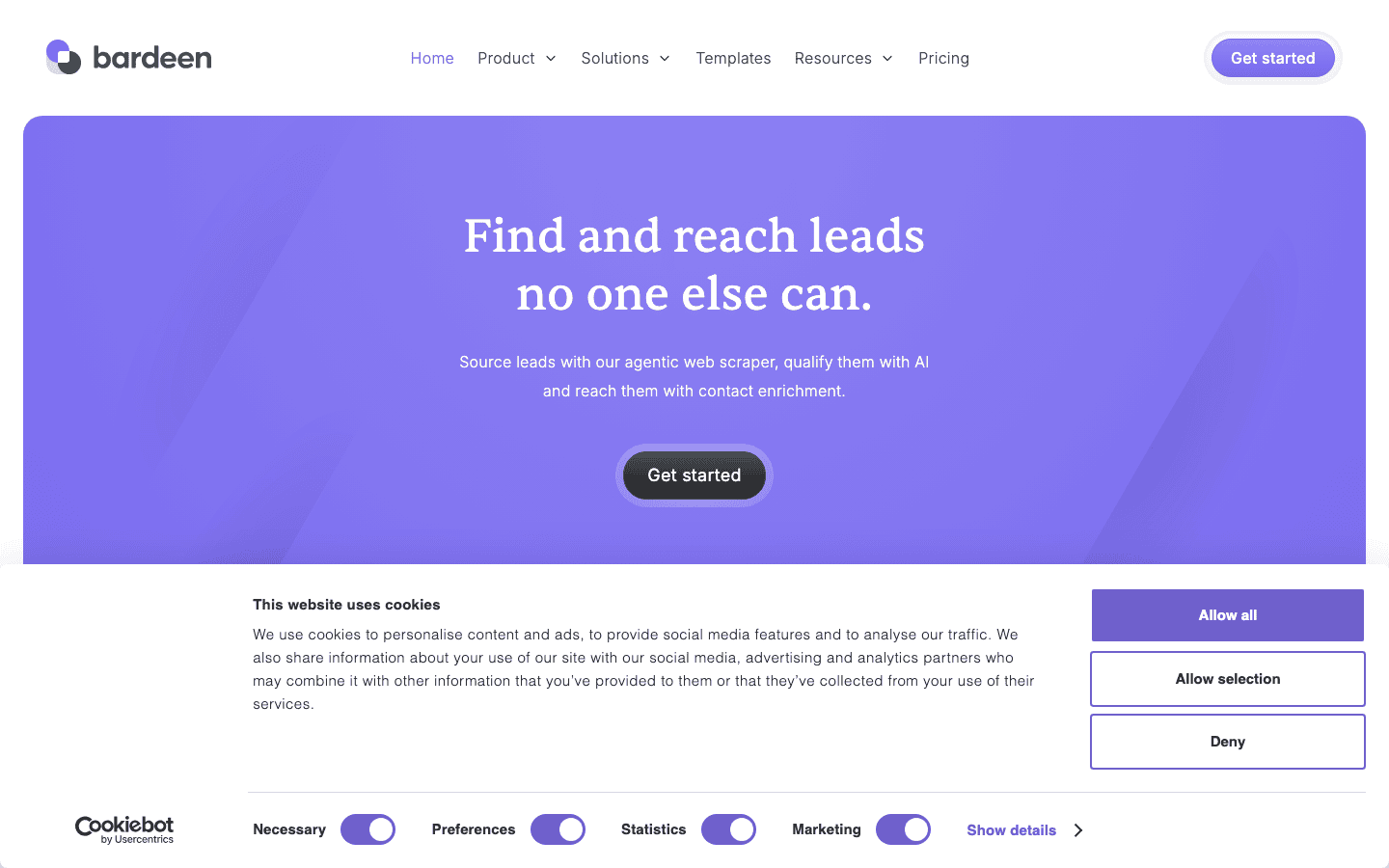
Bardeen automates repetitive tasks right in your browser, scraping data, filling forms, and moving information between web apps, with AI that builds and runs automations from a prompt. For individuals who live in the browser and want to automate manual web work, it is fast and accessible.
- Pricing: Free (100 credits/mo); Basic $10/mo; Premium $50/mo; Enterprise custom.
- Skip if: you need server-side or enterprise automation.
6. Parabola
Best for: Automating repetitive data processing.
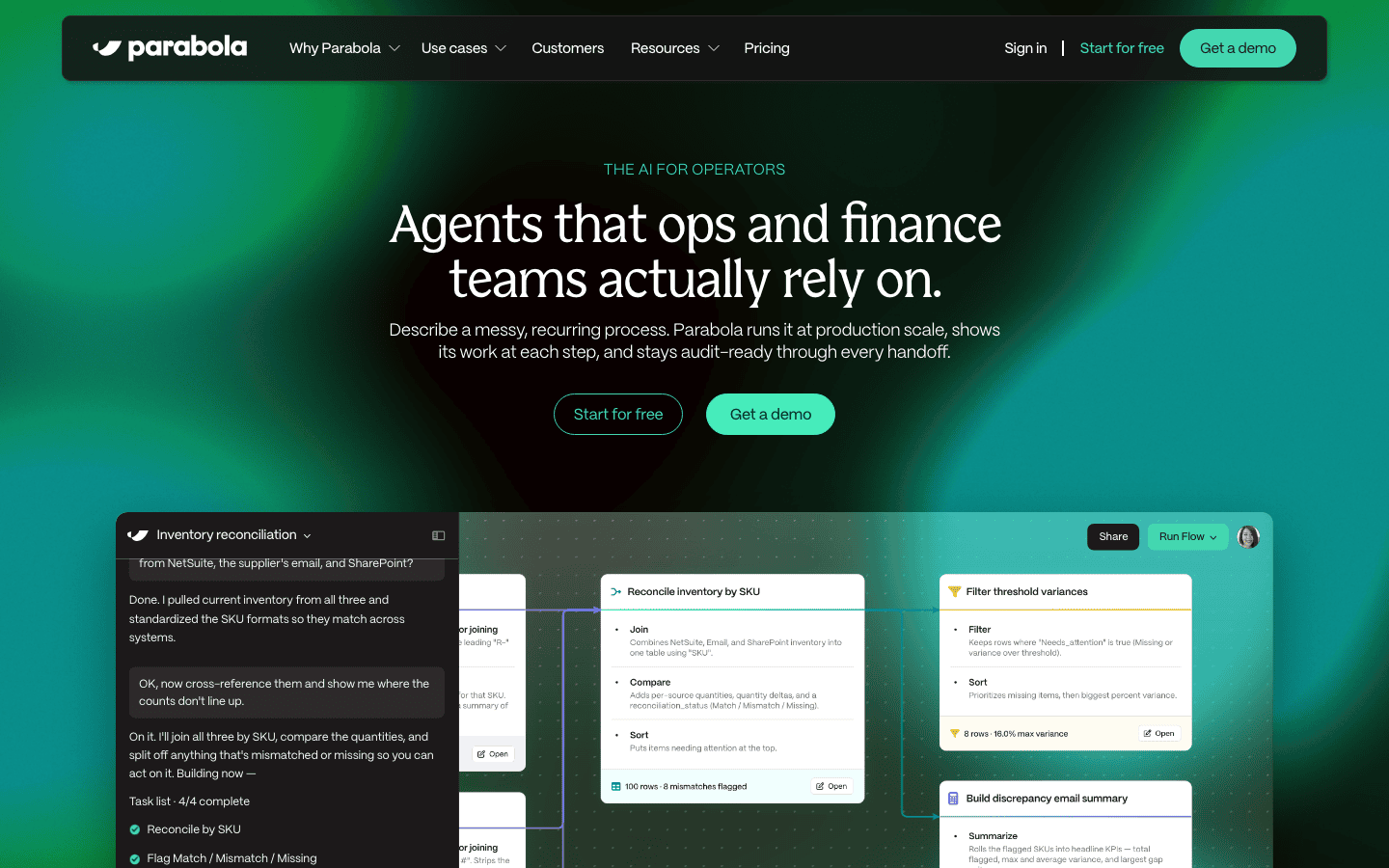
Parabola automates data-heavy workflows, pulling, cleaning, transforming, and routing data from spreadsheets, files, and APIs on a visual canvas, with AI to speed up the work. For operations teams drowning in manual data tasks like reconciling reports, it turns spreadsheet drudgery into repeatable automations.
- Pricing: Free Basic (1 user, 1,000 credits); Collaborator $400/mo (30,000 credits); Business custom.
- Skip if: your automations are not data-centric.
7. Lindy
Best for: Automating your inbox, meetings, and CRM with AI agents.
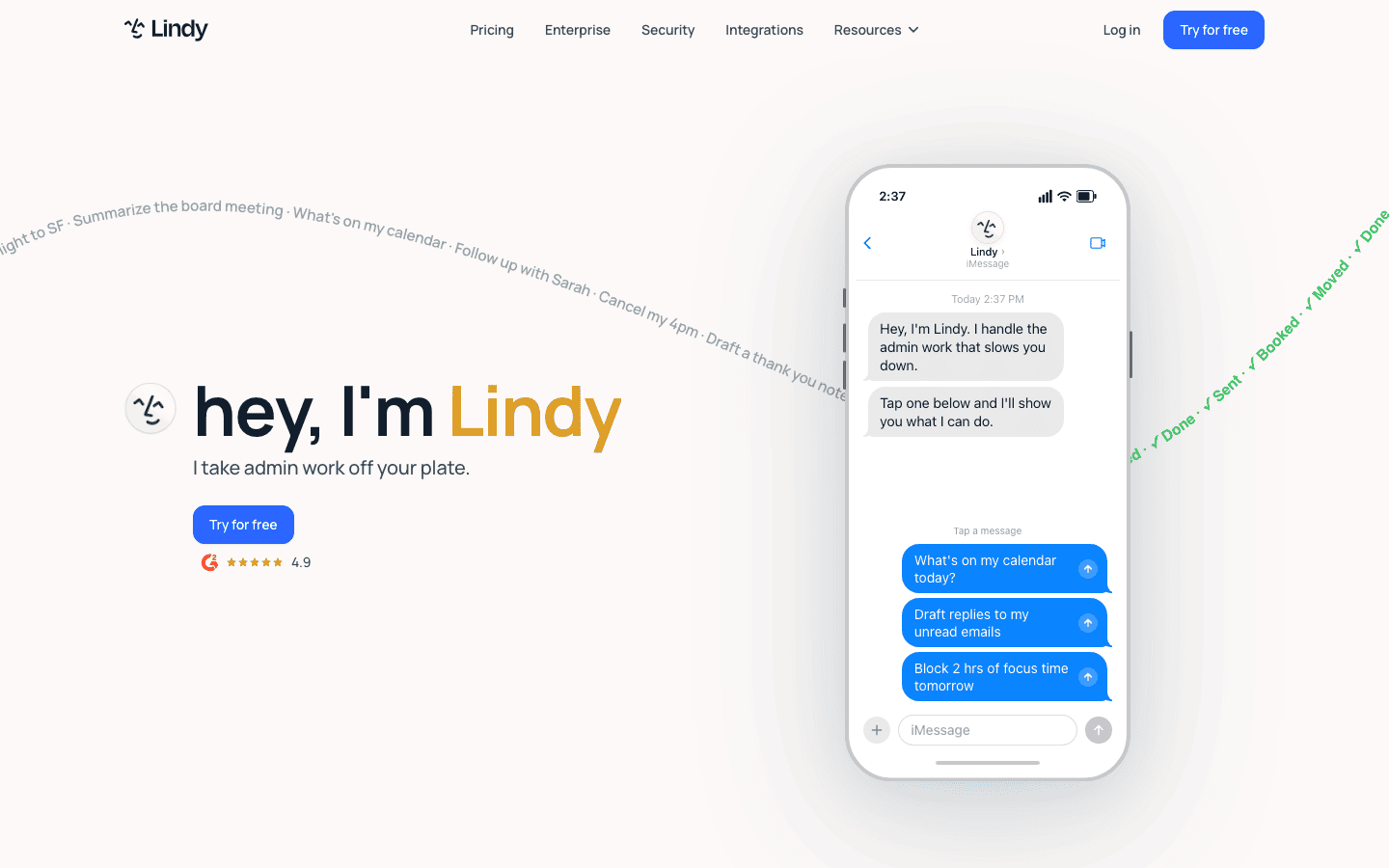
Lindy is a no-code platform for building AI agents that do the work directly: triaging your inbox and drafting replies in your voice, scheduling meetings, recording and summarizing calls, and turning meeting context into HubSpot or Salesforce updates. Pro and Max plans add computer use, so an agent can operate a browser to finish steps that have no native integration.
- Pricing: No free plan (7-day trial); Plus $49.99/mo; Pro $99.99/mo (adds computer use); Max $199.99/mo; usage is credit-metered per task.
- Skip if: you need a free plan or predictable per-task costs.
Best Enterprise Automation and RPA Tools
For large organizations, these add robotic process automation and deep integration.
8. Microsoft Power Automate
Best for: Automation across the Microsoft ecosystem.
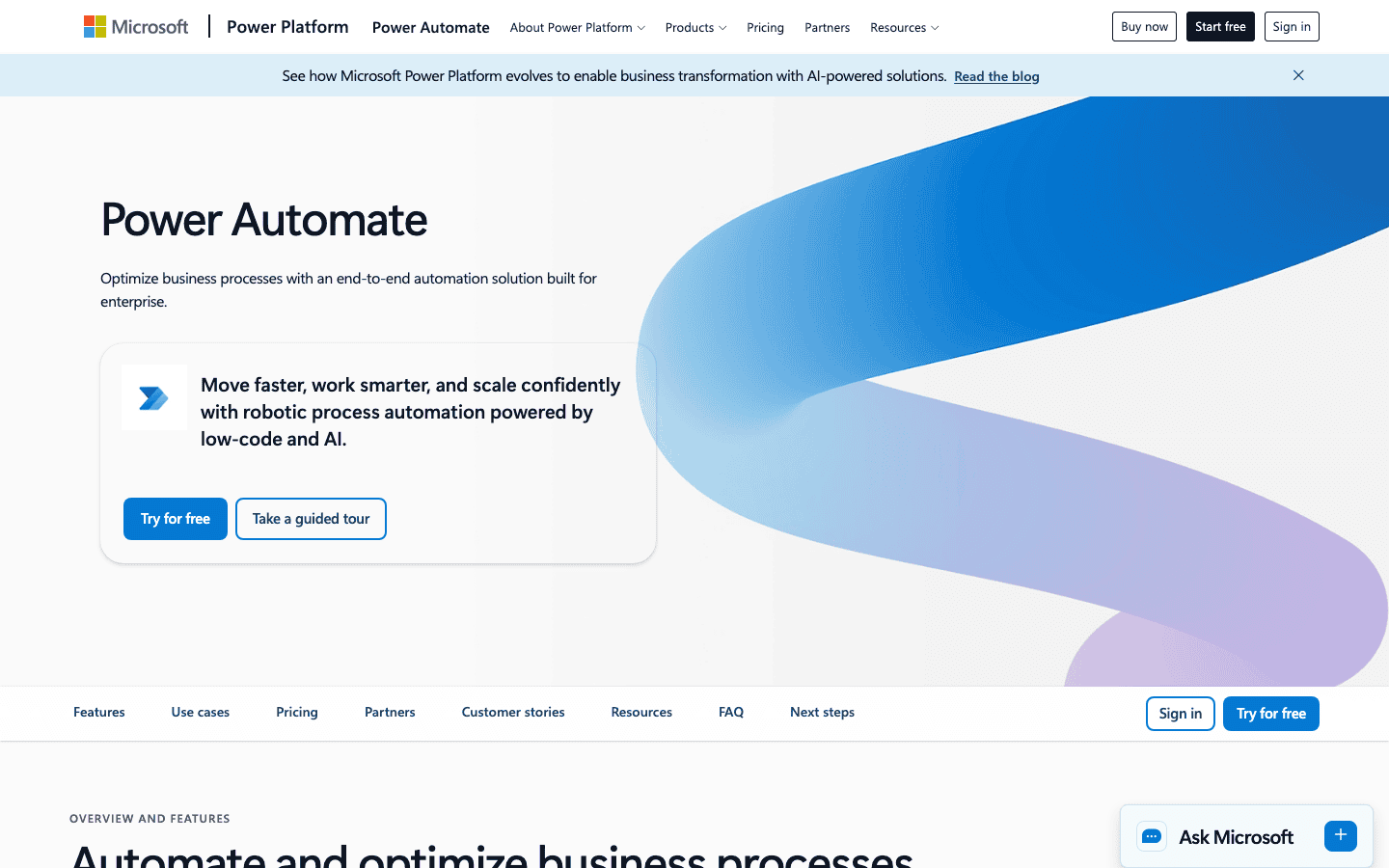
Power Automate automates workflows and tasks across Microsoft 365 and beyond, combining cloud flows, desktop RPA, and AI through Copilot to build automations from plain language. For organizations already on Microsoft, it is the natural, deeply integrated way to automate at scale.
- Pricing: 30-day trial; Premium $15/user/mo (billed yearly); Process $150/bot/mo; Hosted Process $215/bot/mo.
- Skip if: you are not a Microsoft organization.
9. UiPath
Best for: Enterprise-scale RPA with AI and agents.
UiPath is a leader in robotic process automation, automating complex, high-volume business processes, and is increasingly adding AI and agentic capabilities on top. For enterprises automating back-office work across legacy and modern systems, it is a powerful, established platform.
- Pricing: No free tier; Basic $25/mo; Standard and Enterprise are contact sales.
- Skip if: you are a small team wanting simple automation.
10. Workato
Best for: Governed, enterprise-wide integration and automation.
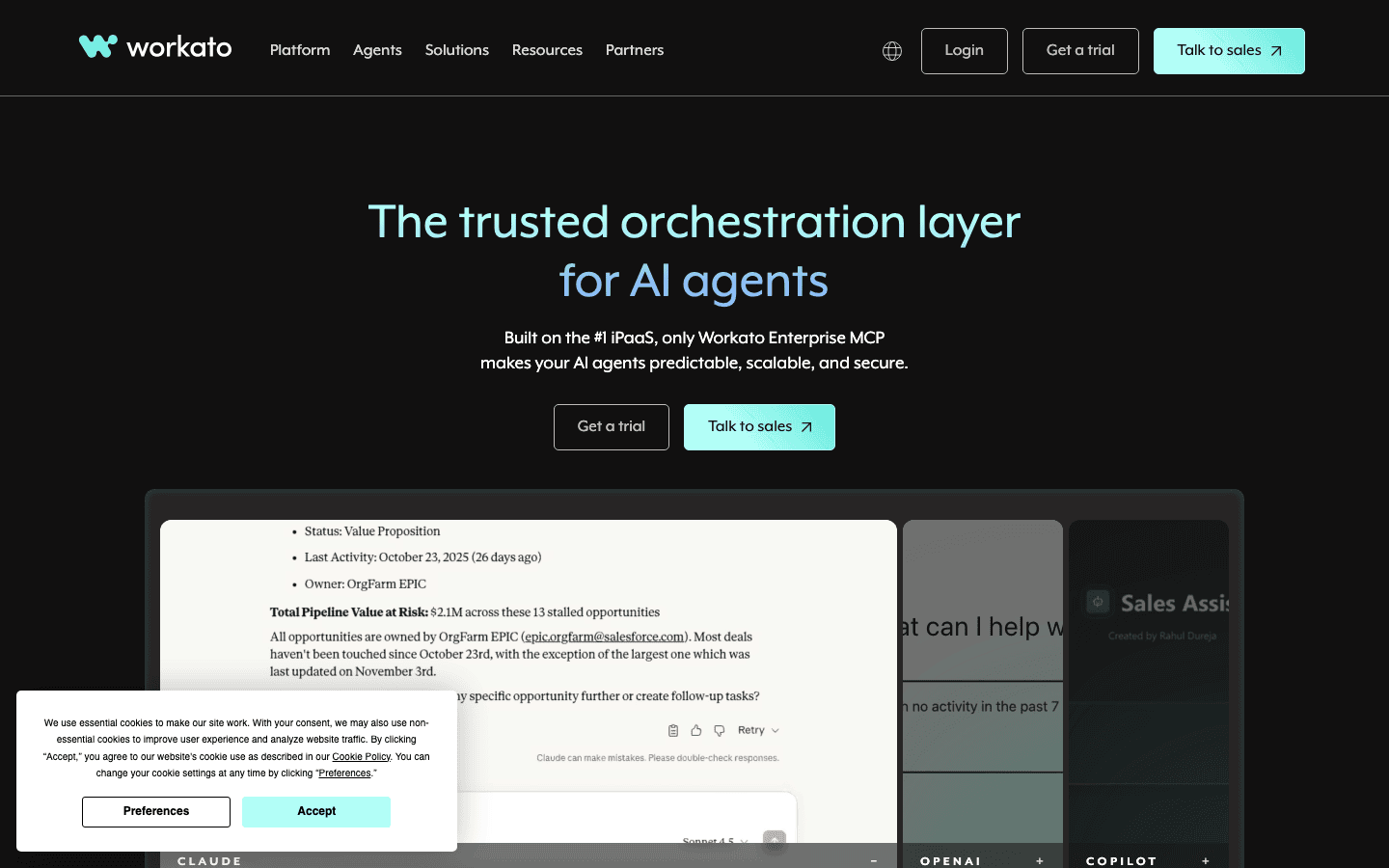
Workato is an enterprise integration and automation platform (iPaaS) that connects business systems and automates complex workflows across them, with AI to build and manage integrations. For larger organizations that need governed automation across many enterprise apps, it is a strong choice.
- Pricing: Demo; enterprise quote.
- Skip if: a no-code connector covers your needs.
How to Choose the Right AI Automation Tool
Start with your technical level and stack. For most people and small teams, Zapier is the easiest entry, with Make for more complex logic at lower cost, and n8n if you want to self-host. If you want AI doing real work in the flow, Gumloop, Bardeen for the browser, Parabola for data, or Lindy for an agent that runs your inbox and meetings. Enterprises on Microsoft lean to Power Automate, and those automating heavy back-office processes to UiPath or Workato. If you want automations that plan and act on their own, look at AI agents specifically. Automate your single biggest repetitive task first, prove the time saved, then expand.
The Bottom Line
Most teams do not need ten automation tools, they need the one that fits how they already work. Zapier or Make covers everyday app connections, n8n suits teams that want to own the stack, Gumloop or Lindy fits work that involves reading and deciding, and Power Automate, UiPath, and Workato carry enterprise scale. Pick your single biggest time sink, automate it end to end, and let the saved hours justify the next one.
Frequently Asked Questions
It is software that automates repetitive work across your apps, using AI to add judgment, reading content, classifying information, making decisions, and handling unstructured inputs, rather than only following fixed rules. Tools range from no-code connectors like Zapier to enterprise RPA platforms like UiPath.
Zapier, Make, and n8n lead for no-code automation, Gumloop, Bardeen, Parabola, and Lindy for AI-native and data automation, and Power Automate, UiPath, and Workato for enterprise RPA and integration. The best one depends on your technical level, your app stack, and the scale you need.
AI automation runs workflows you design, often triggered by events, with AI handling steps inside them. AI agents go further, planning and carrying out multi-step tasks more autonomously toward a goal. Many tools now blend the two, but automation is generally more controlled while agents are more independent.
Yes. Zapier, Make, n8n, and Bardeen all have free tiers you can build real automations on, and n8n is free to self-host. Free plans usually limit the number of runs, steps, or apps, so you upgrade once you automate more or need advanced features.
Paid plans start around $9 to $20 per month for individuals and small teams, with Make at $9/mo, Bardeen at $10/mo, and Zapier at $20/mo. AI-agent tools cost more, with Gumloop at $37/mo and Lindy at $49.99/mo, and enterprise platforms like UiPath and Workato are quote-based at scale.
It changes them more than it removes them wholesale. AI automation takes over repetitive, rules-based, and data-heavy tasks, freeing people for work that needs judgment, creativity, and relationships. The practical effect for most teams is doing more with the same headcount rather than cutting staff.

Inside AI Media is a global platform that covers what’s happening in AI without the fluff. From breaking news to practical use cases, it keeps professionals, builders, and decision-makers updated on the latest in artificial intelligence, so they can make better, faster decisions and stay ahead.