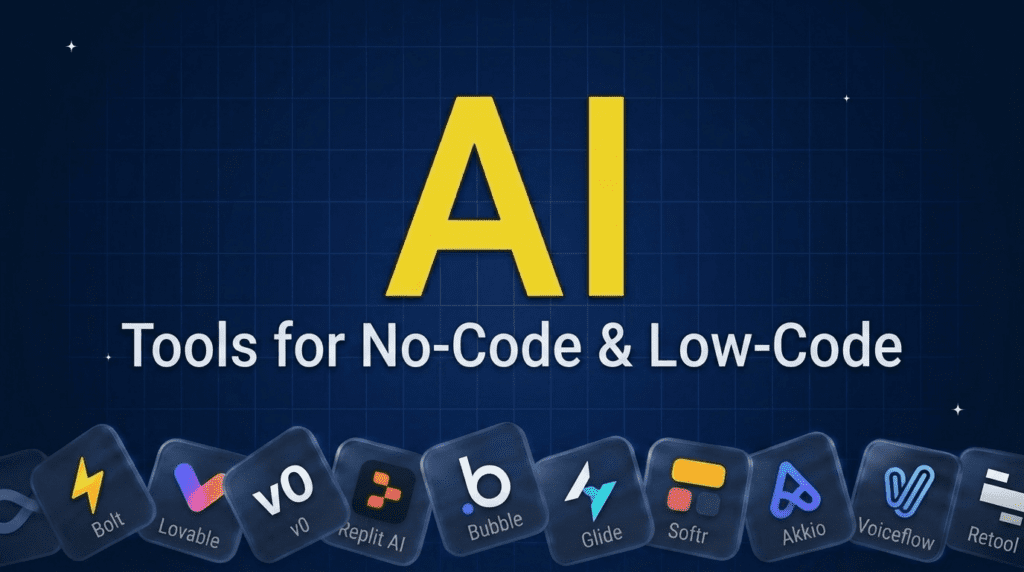
TL;DR: What You Need to Know
No-code and low-code AI tools let you build apps, models, and automations without writing code. To turn a prompt into a working app, Bolt, Lovable, v0, and Replit lead. For visual app platforms, Bubble, Glide, and Softr. For prediction without data science, Akkio; for chatbots and agents, Voiceflow; and for internal tools, Retool. If your goal is automating workflows or building AI agents specifically, see our automation and agents guides. Pick by what you are building, an app, a model, or a bot.Pricing verified June 2026. AI tool pricing changes often, so confirm the current price on each vendor’s site before you subscribe. Inside AI Media is not an AI tool vendor; these picks are ranked on merit, not promotion.
The best no-code AI tools at a glance
Here is how the main tools compare on what you build, the type, the free option, and where paid plans start. Pricing changes fast, so confirm on the vendor’s site before subscribing.| Tool | Best for | You build | Free option | Starting price |
|---|---|---|---|---|
| Bolt | Prompt-to-app, full-stack | Web apps | $25/mo | $20/mo |
| Lovable | Describe-an-app building | Web apps | Yes | $25/mo |
| v0 | Generating UIs and apps | UIs / apps | $30/mo | $20/mo |
| Replit | AI agent that builds + deploys | Apps | $20/mo | $20/mo |
| Bubble | Visual full app building | Web apps | $32/mo | $29/mo |
| Glide | Apps from spreadsheets | Mobile/web apps | $199/mo | $25/mo |
| Softr | Portals and internal apps | Apps / portals | $49/mo | $24/mo |
| Akkio | No-code prediction | ML models | Trial | $49/mo |
| Voiceflow | Chatbots and AI agents | Bots / agents | Yes | $60/mo |
| Retool | Internal tools (low-code) | Internal apps | $10/mo | $10/user/mo |
What are no-code and low-code AI tools?
No-code AI tools let you build software, models, or automations through visual interfaces or plain-English prompts, with no programming. Low-code tools mix a visual builder with the option to add code for the tricky parts. AI supercharges both: many now turn a description into a working app, generate the logic, or build a predictive model from your data automatically. They fall into a few groups, prompt-to-app builders, visual app platforms, no-code machine learning, and bot or agent builders, and the right one depends on whether you are making an app, a model, or a chatbot. If your goal is workflow automation or autonomous agents, those have dedicated tools covered in our automation and AI agents guides.How we picked
We are an independent publisher and do not sell any of these tools, so none of these picks is our own product. We grouped tools by what you build with them, then weighed each on how little code they truly require, the quality of the output, ease of use, value, and how well AI is integrated. We focused on tools real non-developers ship with, and we note where a tool is fully no-code versus low-code.Best no-code AI app builders (prompt to app)
These turn a description into a working application, the fastest-moving category in no-code.1. Bolt, best for prompt-to-app, full-stack
Bolt (bolt.new) lets you describe an app and it builds a working full-stack web application in the browser, which you can edit and deploy. It is one of the most capable AI app builders for going from idea to a real, functional product without setup, popular with founders and non-developers validating ideas fast.- Best for: Building a full-stack web app from a prompt.
- Pricing: Free (1M tokens/mo); Pro $25/mo; Teams $30/member/mo; Enterprise custom.
- Skip if: you need a visual drag-and-drop editor.
2. Lovable, best for describe-an-app building
Lovable lets non-technical people build web apps by describing what they want in plain English, generating the interface and logic so you get a prototype or MVP without a developer. For validating an idea or shipping a simple product, it is a fast, accessible route from concept to something real.- Best for: Non-developers building an MVP by description.
- Pricing: Free tier; paid from around $25/mo.
- Skip if: you need a complex, highly custom product.
3. v0, best for generating UIs and apps
v0, from Vercel, generates polished user interfaces and front-end apps from prompts, producing clean, production-quality components you can refine and ship. It is especially strong for the interface layer, popular with people who want a great-looking app fast and can host it on Vercel.- Best for: Generating polished UIs and front ends.
- Pricing: Free ($5 credits/mo); Team $30/user/mo; Business $100/user/mo; Enterprise custom.
- Skip if: you need deep backend logic over interface.
4. Replit, best AI agent that builds and deploys
Replit’s AI Agent can build, run, and deploy a working app from a prompt entirely in the browser, handling code, hosting, and databases. It blurs no-code and coding, letting non-developers ship real apps while giving the option to edit the code, all in one place.- Best for: Building and deploying full apps in one tool.
- Pricing: Starter free; Core $25/mo ($20/mo billed annually); Pro $100/mo; Enterprise custom.
- Skip if: you want a purely visual, no-code-only experience.
Best visual no-code app platforms
These mature platforms build apps with visual editors, now enhanced with AI.5. Bubble, best for visual full app building
Bubble is the most established no-code platform for building full web apps visually, with databases, workflows, and an AI assistant that helps generate and edit your app. For ambitious products that need real depth without code, it offers the most control among visual builders.- Best for: Building complex web apps without code.
- Pricing: Free; Starter $32/mo; Growth $134/mo; Team $399/mo.
- Skip if: you want the speed of prompt-to-app generation.
6. Glide, best for apps from spreadsheets
Glide turns spreadsheets and data sources into polished mobile and web apps with no code, and AI to help build and add intelligent features. For internal tools and simple apps built on data your team already has, it is fast and approachable.- Best for: Turning data into apps quickly.
- Pricing: Free (1 editor); Business $199/mo (billed yearly); Enterprise custom. Lower Maker and Explorer tiers also available.
- Skip if: you need a fully custom, complex application.
7. Softr, best for portals and internal apps
Softr builds client portals, internal tools, and simple apps on top of data sources like Airtable, with no code and AI assistance. For teams that want a branded portal or internal app fast without engineering, it is a practical, easy choice.- Best for: Client portals and internal apps on existing data.
- Pricing: Free (10 users); Basic $49/mo; Professional $139/mo; Business $269/mo; Enterprise custom.
- Skip if: you need a standalone, data-heavy product.
Best no-code AI for models and bots
Beyond apps, these build predictive models and conversational AI without code.8. Akkio, best for no-code prediction
Akkio lets non-technical teams build predictive machine-learning models, like forecasting or lead scoring, by connecting data and letting AI handle the modeling. For business teams that want prediction rather than just generative text, it makes ML genuinely accessible without a data scientist.- Best for: No-code predictive models and forecasting.
- Pricing: Trial; paid from around $49/mo.
- Skip if: you only need to build apps, not models.
9. Voiceflow, best for chatbots and AI agents
Voiceflow is a no-code platform for designing, building, and launching AI chatbots and voice agents, popular for customer-facing assistants. With a visual builder and AI under the hood, it lets teams ship conversational AI without engineering, then iterate on it easily.- Best for: Building chatbots and conversational AI agents.
- Pricing: Free tier; paid from around $60/mo.
- Skip if: you need a full app, not a bot.
Best low-code tool for internal apps
10. Retool, best for internal tools
Retool is a low-code platform for quickly building internal tools, dashboards, admin panels, and CRUD apps, with AI to generate apps and components and connect to your data and APIs. It assumes a little technical comfort but lets teams build powerful internal software far faster than from scratch.- Best for: Building internal tools and dashboards fast.
- Pricing: Free (up to 5 users); Team $10/builder/mo plus $5/user; Business $50/builder/mo; Enterprise custom.
- Skip if: you want zero technical involvement.
How to choose a no-code AI tool
Match the tool to what you are building. For a customer-facing or full app from a prompt, Bolt, Lovable, v0, or Replit; for a deeper visual build, Bubble; for apps on existing data, Glide or Softr. Need a predictive model? Akkio. A chatbot? Voiceflow. Internal tools? Retool. If your real goal is automating workflows or building autonomous agents, use the dedicated tools in our automation and agents guides instead. Start with a free tier and a small project, since the fastest way to judge a no-code tool is to actually build something with it.Frequently asked questions
It depends on what you build. Bolt, Lovable, v0, and Replit are best for turning prompts into apps, Bubble for deep visual app building, Glide and Softr for apps on data, Akkio for prediction, Voiceflow for chatbots, and Retool for internal tools. Most people pick based on whether they need an app, a model, or a bot.
Yes. No-code platforms let you build apps, predictive models, chatbots, and automations through visual interfaces or plain-English prompts, with no programming. AI has made this far more powerful, with tools that turn a description straight into a working app or model.
No-code tools require no programming at all, you build entirely through visual interfaces or prompts. Low-code tools are mostly visual but let you add code for advanced needs, like Retool. No-code suits non-developers; low-code suits teams that want speed but occasional custom logic.
Many have free tiers, including Bolt, Lovable, v0, Replit, Bubble, Glide, and Voiceflow, enough to build and test something real. Free plans usually limit usage, projects, or hosting, with paid plans for production apps, more capacity, and advanced features.
Increasingly yes. Tools like Bubble and Replit power real businesses, and prompt-to-app builders are improving fast. For simple to moderately complex apps they are production-ready; very complex, high-scale, or highly custom products may still need developers, often starting in no-code and adding code later.

Inside AI Media is a global platform that covers what’s happening in AI without the fluff. From breaking news to practical use cases, it keeps professionals, builders, and decision-makers updated on the latest in artificial intelligence, so they can make better, faster decisions and stay ahead.