

Apple Boosts Shortcuts App with AI Automation in macOS 26
Apple upgrades Shortcuts app in macOS 26 with AI-powered automation, letting users create custom workflows and boost productivity with Apple Intelligence.
Apple Adds AI Power to Shortcuts App for Seamless Automation
Apple has revamped its Shortcuts app in the latest macOS 26 update, introducing advanced artificial intelligence features that transform it into a robust tool for workflow automation. This enhancement integrates Apple Intelligence directly into Shortcuts, giving users access to AI-driven actions for tasks like proofreading, summarizing, and image generation.
What’s new in Shortcuts
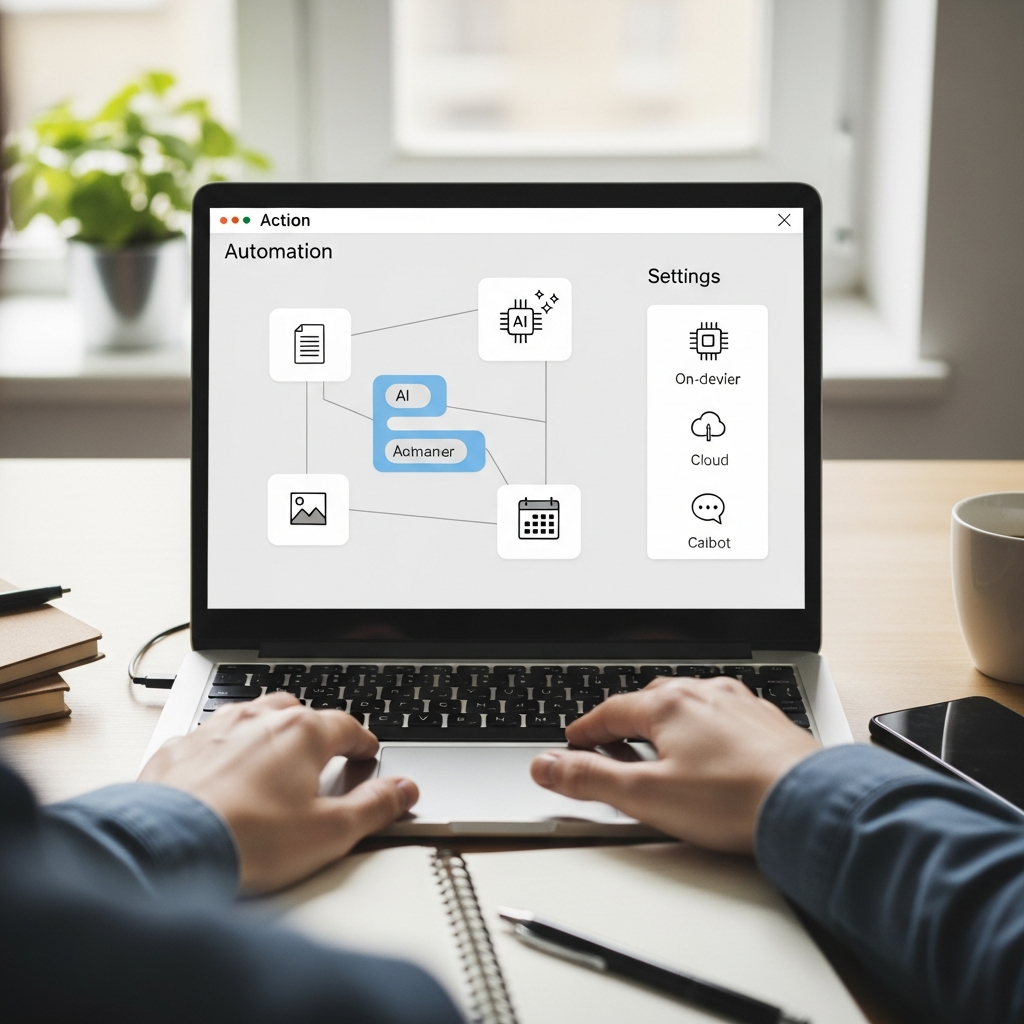
A notable addition is the “Use Model” option, offering three ways to run AI and giving users control over privacy, performance, and convenience.
- On-device (offline): Runs entirely on your Mac for maximum privacy.
- Apple server-based: Processes tasks securely through Apple’s servers when needed.
- ChatGPT integration: Direct access—no third-party subscription required.
This flexibility is a departure from Apple’s historically closed software ecosystem, putting more control in users’ hands.
Everyday automations made simpler
Automating everyday tasks is now simpler. Instead of manually creating calendar events from emails or messages, users can build custom shortcuts that intelligently read and extract relevant details, populating calendar entries automatically. Early testers found the system useful for sorting email content for event specifics such as time and location. While fine-tuning may be necessary in some cases, the integration demonstrates a practical shift from consumer-facing AI chatbots to background productivity enhancements.
Quick ideas for custom shortcuts
- Parse messages for dates and auto-create calendar events.
- Proofread drafts and summarize long emails into action items.
- Sort photos based on context and content for faster organization.
Apple’s behind-the-scenes AI approach
Apple’s strategy is clear: Position AI as a behind-the-scenes feature embedded in familiar tools, rather than as a separate product. The enhanced Shortcuts app exemplifies this approach, allowing users to design automations that categorize messages, pull action items from meeting notes, and sort photos with contextual awareness. AI handles the complex data parsing, while users control how their automations function, streamlining digital management.
Rather than requiring dramatic changes in how people interact with technology, Apple’s new system boosts efficiency by supporting existing habits.
From habits to high-impact workflows
The company is betting that users want AI to improve their current tools without necessitating new interfaces. The AI-powered Shortcuts app is an example of this philosophy in action, and as more people adopt these features, increasingly sophisticated workflows are expected—from smart home integrations to complex data analysis.
A sustainable shift in AI adoption
The update signals a broader transition in AI adoption, promoting solutions that complement routine decision-making and take care of routine organization. Apple’s invisible integration offers a sustainable alternative to the chatbot-heavy landscape, enabling users to automate tasks and reclaim valuable time and focus for more important matters.
Key takeaways
- Shortcuts in macOS 26 integrates Apple Intelligence for AI-powered actions.
- “Use Model” provides on-device, Apple server, and ChatGPT options.
- Focus is on background productivity—less chatbot, more automation.