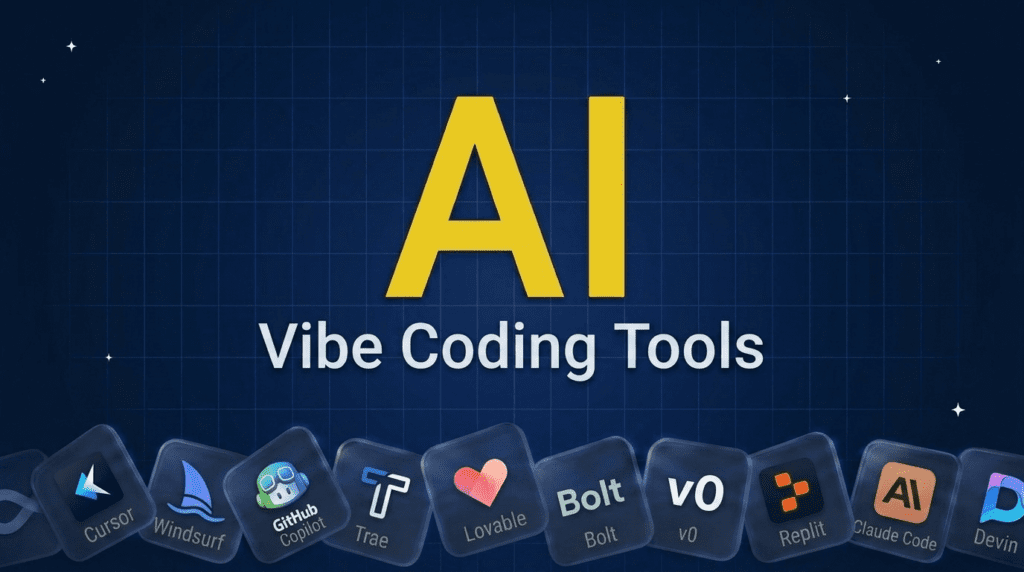
Andrej Karpathy needed only two words in early 2025 to name what half the internet was suddenly doing: vibe coding. You describe the software you want in plain English, the AI writes the code, and you keep prompting until it works.
The tools have caught up fast. Non-developers now ship working apps from a single prompt, the same shift powering the best no-code AI tools, while developers use AI editors to clear tickets in hours instead of days.
The catch: an AI editor, a prompt-to-app builder, and an autonomous coding agent solve very different problems, and most roundups mix them together. We sorted 12 tools by how you actually vibe-code with them, so you can jump straight to your category.
TL;DR: What You Need to Know
Vibe coding means building software by describing what you want in plain English and letting AI write the code, the term coined by Andrej Karpathy in 2025. For coding inside an editor, Cursor, Windsurf, GitHub Copilot, and Trae lead. To turn a prompt into a working app, Lovable, Bolt, v0, and Replit are the go-tos. For agentic, hands-off building, Claude Code and Devin; and Google AI Studio and Vibecode round it out. Pick by whether you want to vibe-code in an IDE, build a full app, or hand it to an agent.
Pricing verified July 2026. AI tool pricing changes often, so confirm the current price on each vendor’s site before you subscribe. Inside AI Media is not an AI tool vendor; these picks are ranked on merit, not promotion.
The Best Vibe Coding Tools at a Glance
Here is how the leading vibe coding tools compare on what they are best for, their type, and where paid plans start. The space moves fast, so treat it as a snapshot of the current leaders and confirm pricing on each vendor’s site.
| Tool | Best for | Type | Starting price |
|---|---|---|---|
| Cursor | Vibe coding in an IDE | AI code editor | $20/mo |
| Windsurf | Agentic AI editor | AI code editor | $20/mo |
| GitHub Copilot | AI in your existing editor | AI code editor | $10/mo |
| Trae | Low-cost AI IDE | AI code editor | Free / $3/mo |
| Lovable | Prompt-to-web-app | App builder | $25/mo |
| Bolt | Full-stack from a prompt | App builder | $25/mo |
| v0 | Generating UIs and apps | App builder | $30/user/mo |
| Replit | Build and deploy in one place | App builder | $25/mo |
| Claude Code | Agentic terminal coding | Agentic | $20/mo |
| Devin | Autonomous AI engineer | Agentic | $20/mo |
| Google AI Studio | Building with Gemini | Platform | Free |
| Vibecode | Mobile apps from a prompt | App builder | $20/mo |
How We Picked These Vibe Coding Tools
We are an independent publisher and do not sell any of these tools, so none of these picks is our own product. We grouped tools by how you vibe-code with them, then weighed each on output quality, speed, how little code you must write, ease of use, and adoption. We focused on tools developers and builders actually use, from IDE assistants to full app generators.
Best AI Code Editors for Vibe Coding
These bring vibe coding into a real code editor, ideal if you want control plus speed.
1. Cursor
Best for: Developers vibe coding in an IDE with full control.
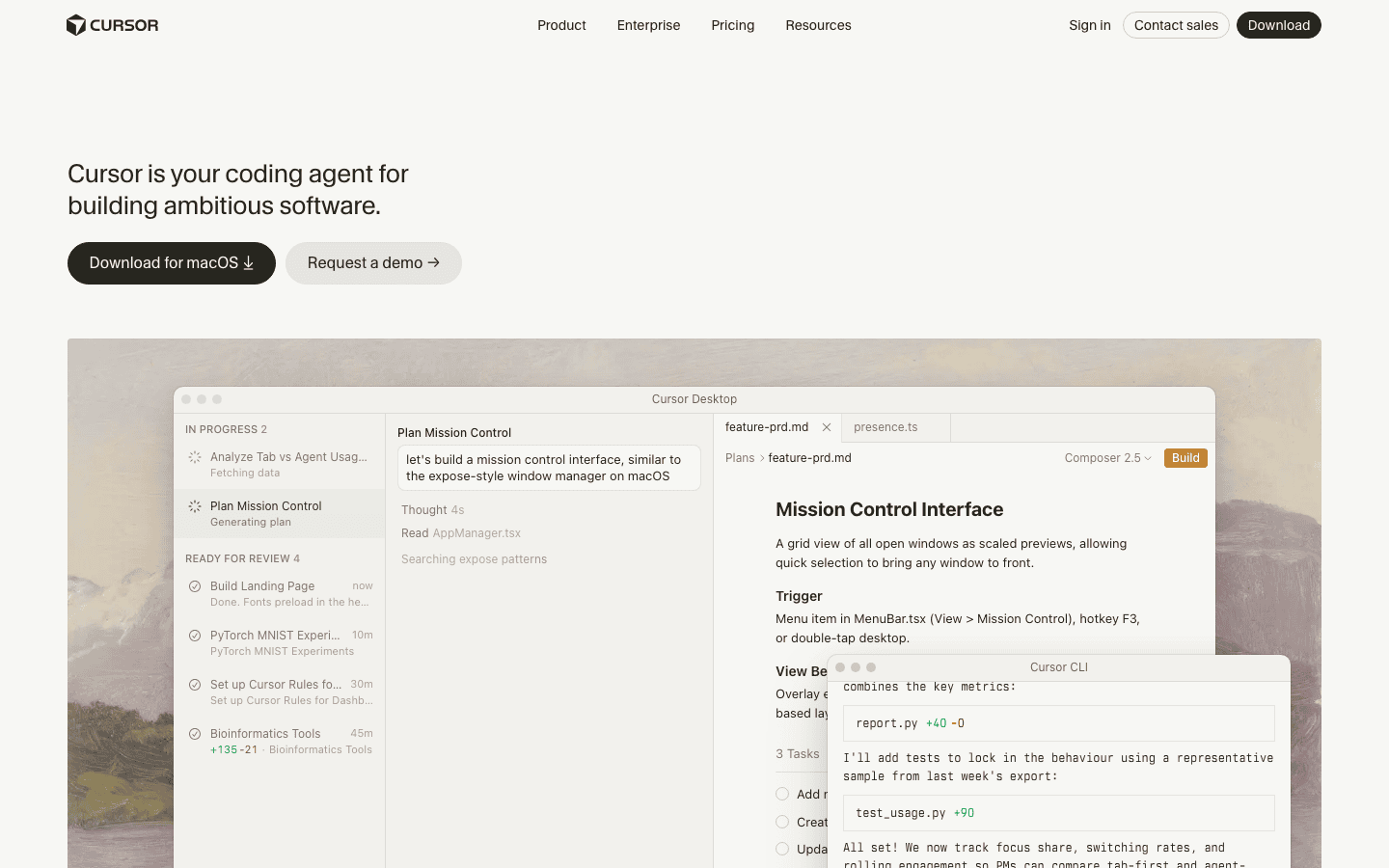
Cursor is the leading AI-first code editor, letting you describe changes and features in natural language while it writes, edits, and refactors across your codebase. It is the default vibe coding tool for developers who want AI deeply integrated into a real editor, balancing speed with control.
- Known for: Deep AI integration in a code editor.
- Pricing: Free Hobby tier (limited); Pro $20/mo; Pro+ $60/mo; Ultra $200/mo.
2. Windsurf
Best for: Letting AI handle larger, multi-step coding tasks in an editor.
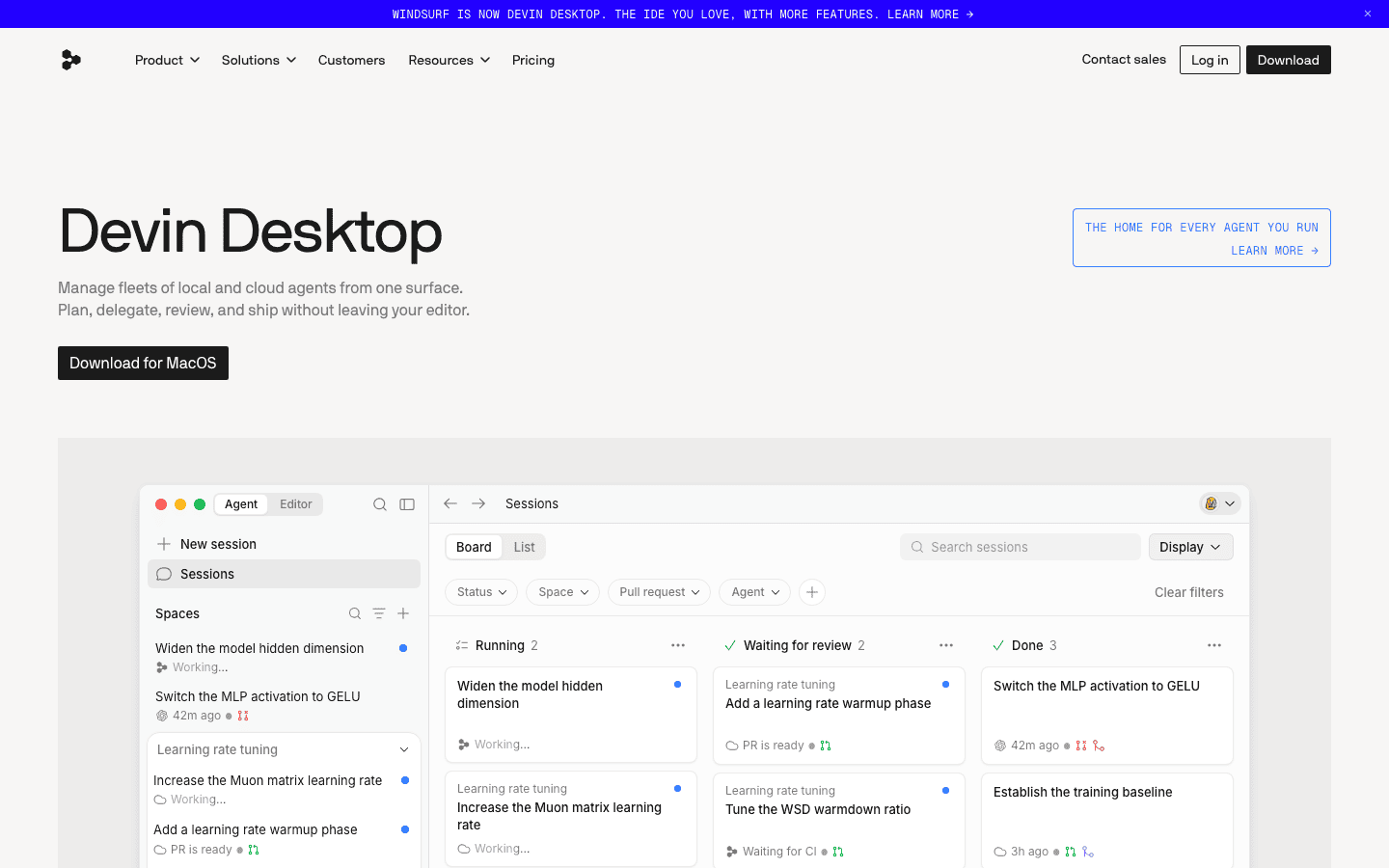
Windsurf is an AI code editor built around agentic workflows, where the AI can take on larger, multi-step tasks across your codebase more autonomously. For developers who want the editor to do more of the work while staying in a familiar environment, it is a strong, popular choice. Cognition, the company behind Devin, now owns Windsurf and sells it on the same plans as Devin.
- Known for: Agentic, multi-step AI coding in an editor.
- Pricing: Free tier; Pro $20/mo; Max $200/mo (plans shared with Devin).
3. GitHub Copilot
Best for: Adding AI to the editor you already use.
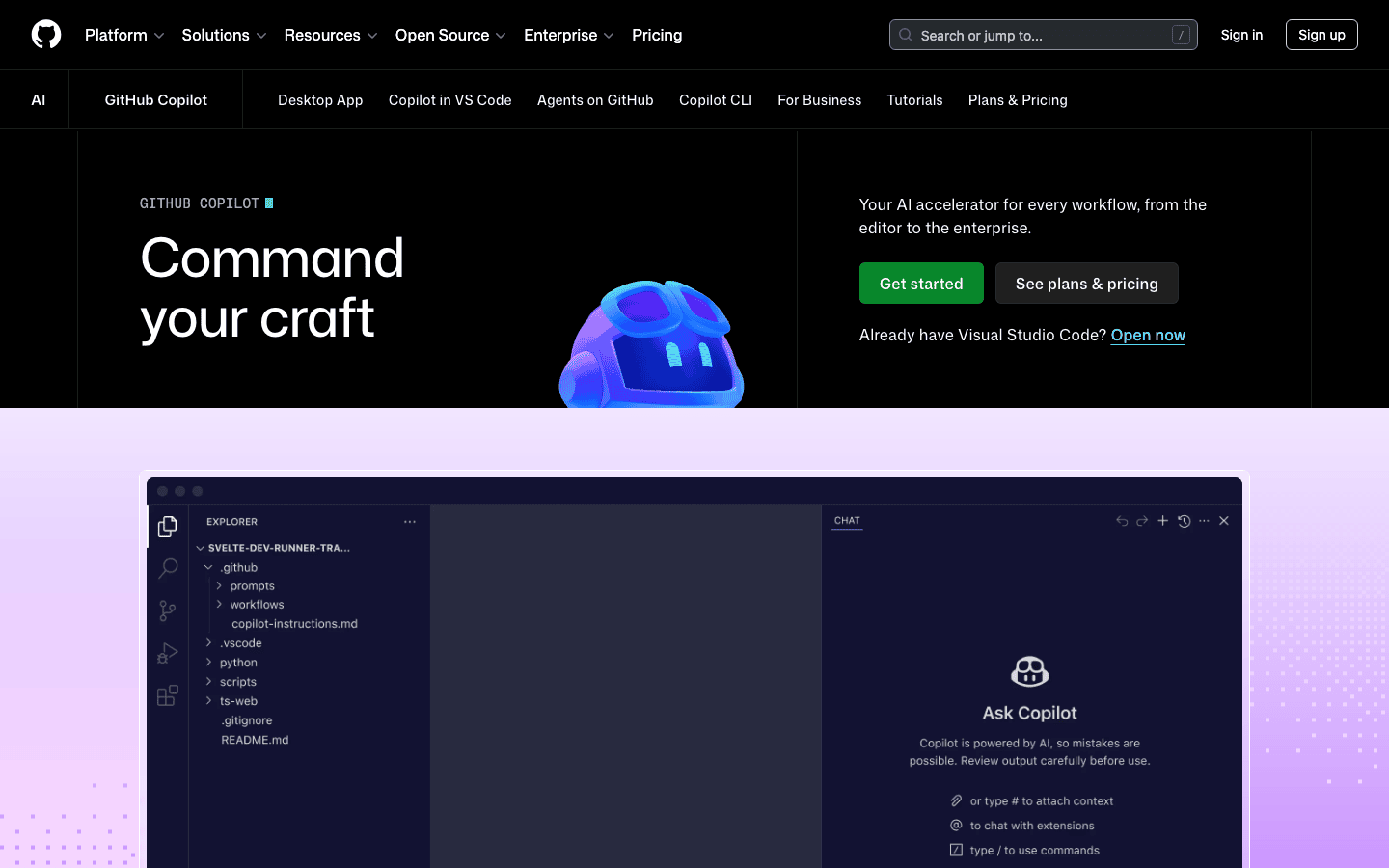
GitHub Copilot brings AI assistance into editors like VS Code, suggesting code, answering questions, and now handling agentic tasks and pull requests. For developers who want to add vibe coding to the tools they already use without switching, it is the most established option.
- Known for: AI coding inside existing editors.
- Pricing: Free (2,000 completions/mo); Pro $10/mo; Pro+ $39/mo.
4. Trae
Best for: AI coding on a budget, from free to $3 a month.
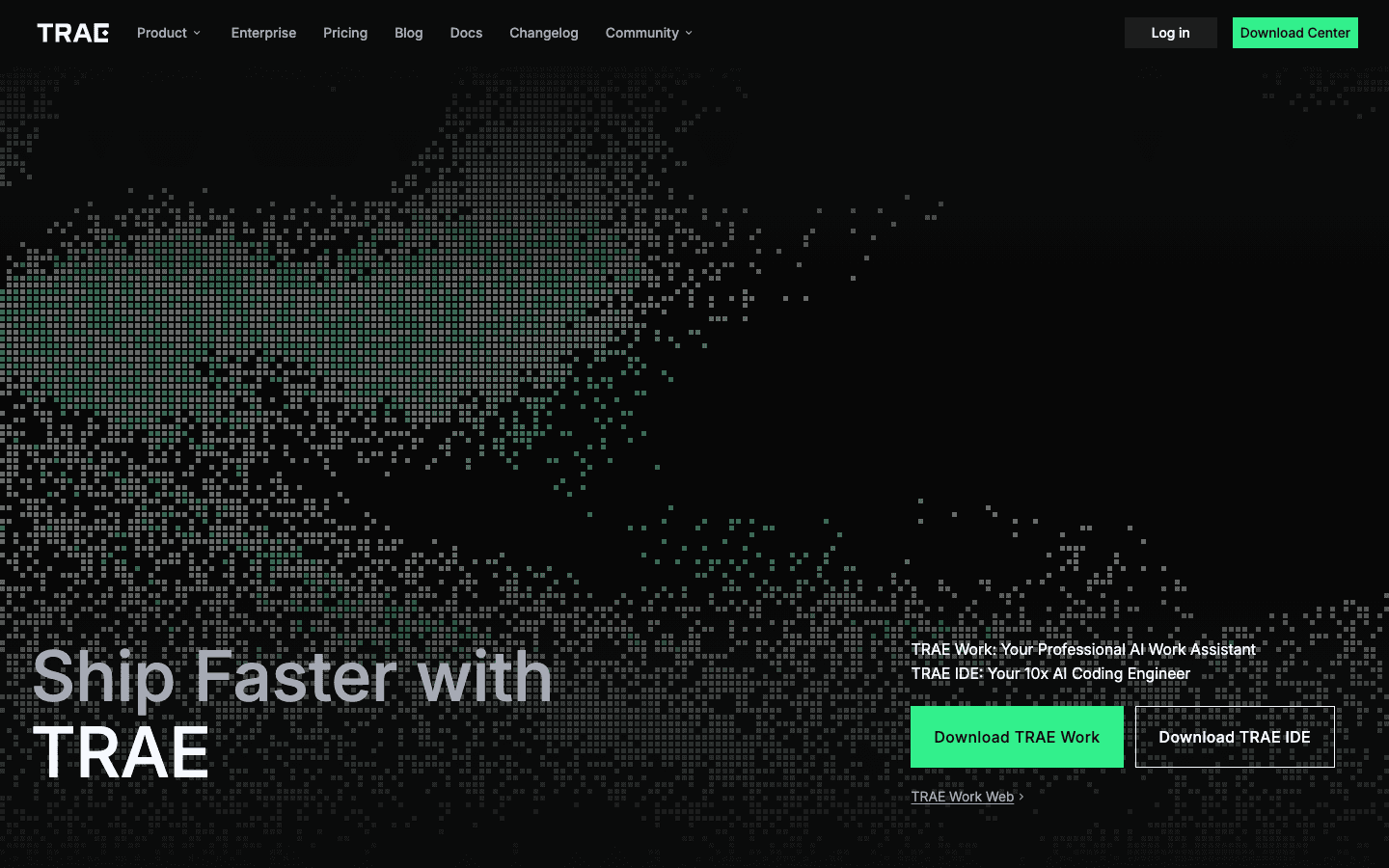
Trae, from ByteDance, is a low-cost AI-powered IDE with strong vibe coding capabilities, including agentic features, a usable free tier, and the cheapest paid plans of any tool here. For developers who want a capable AI editor without a real subscription cost, it is the accessible option.
- Known for: A capable, low-cost AI IDE.
- Pricing: Free (5,000 autocompletes/mo); Lite $3/mo; Pro $10/mo.
Best Prompt-to-App Builders
These turn a description straight into a working application, great for non-developers.
5. Lovable
Best for: Non-developers shipping a web app from a description.
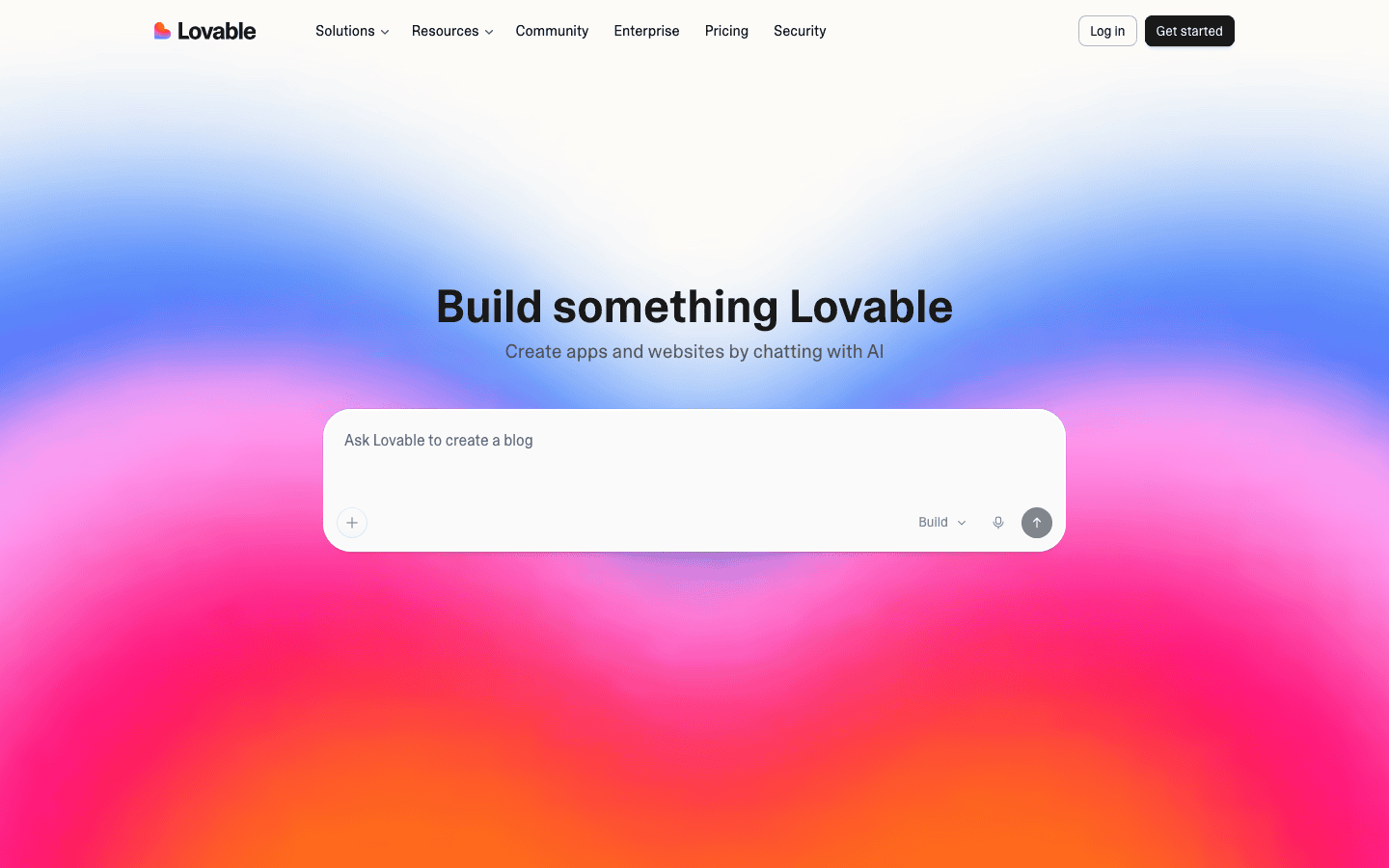
Lovable lets you build a web app by describing it in plain English, generating the interface and logic so non-developers get a working product without coding. For going from idea to a real app fast, especially as a non-developer, it is a leading vibe coding tool.
- Known for: Building web apps from a description.
- Pricing: Free (5 daily credits); Pro $25/mo; Business $50/mo.
6. Bolt
Best for: Building functional full-stack web products fast.
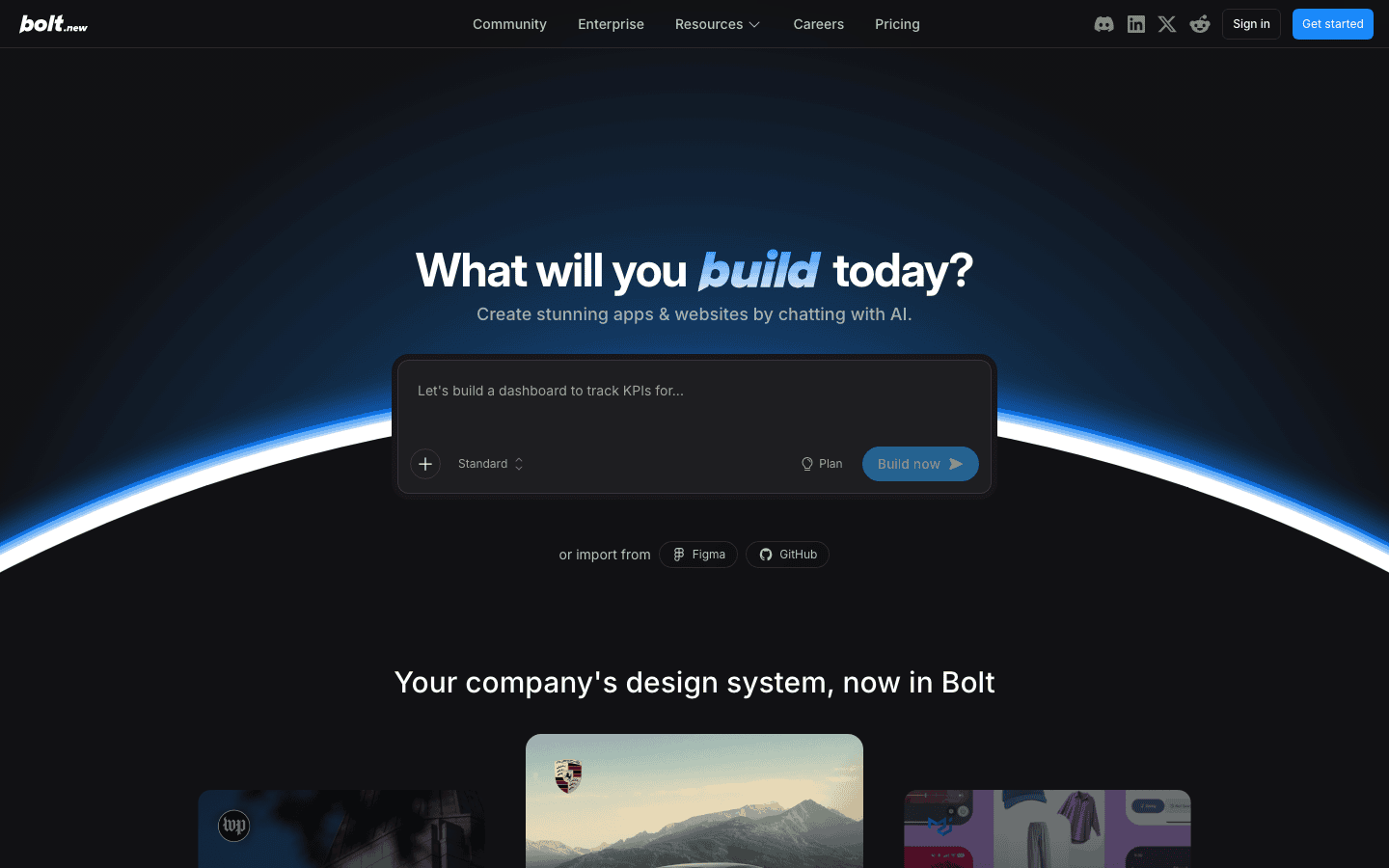
Bolt (bolt.new) builds full-stack web apps in the browser from a prompt, which you can edit and deploy, making it one of the most capable prompt-to-app tools. For founders and builders who want a real, functional product from a description, it is a powerful option.
- Known for: Full-stack apps generated from a prompt.
- Pricing: Free (1M tokens/mo); Pro $25/mo; Teams $30/member/mo.
7. v0
Best for: Great-looking apps and interfaces, fast.
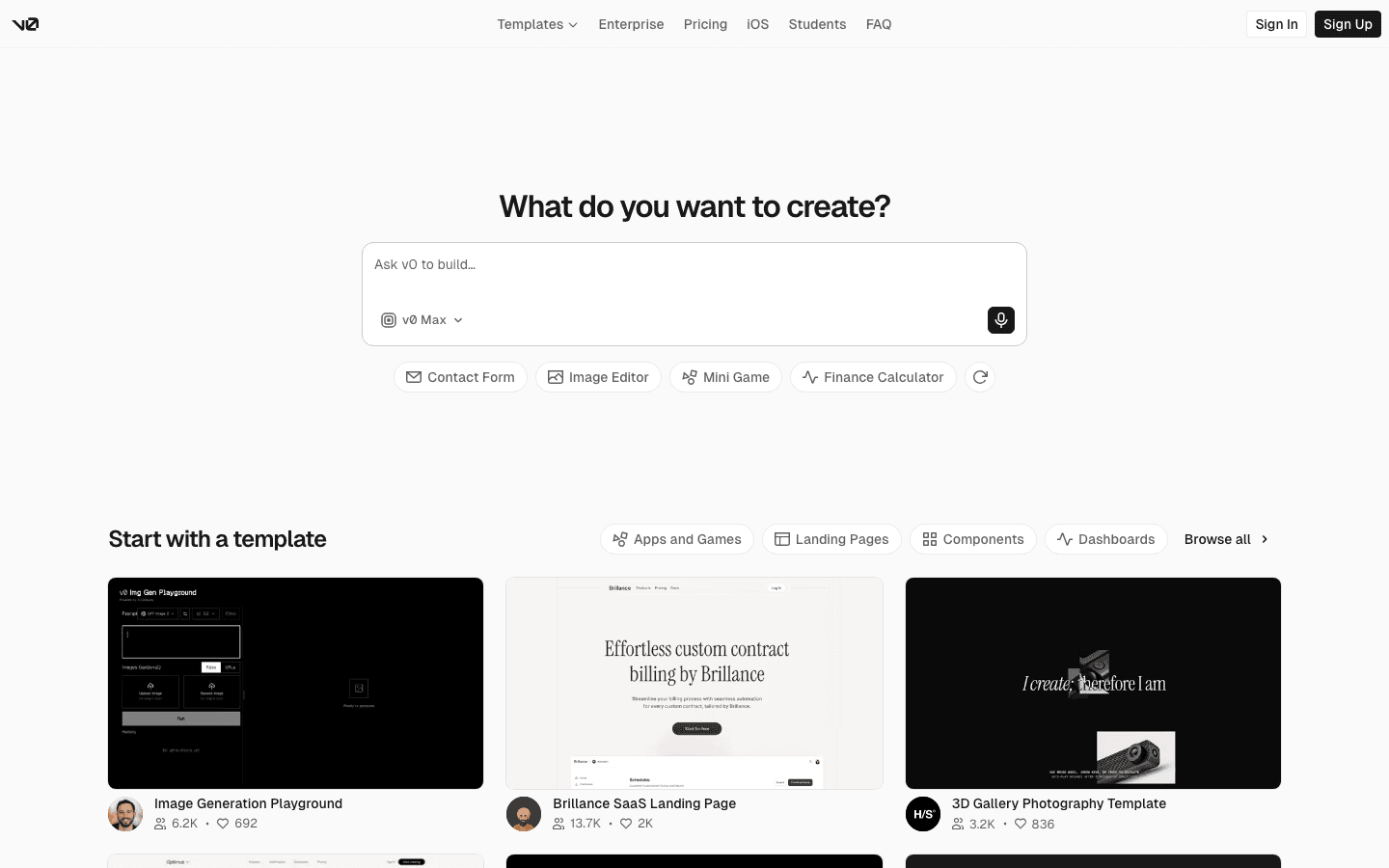
v0, from Vercel, generates polished interfaces and front-end apps from prompts, producing clean, production-quality components. For builders who want a great-looking app or UI quickly, especially to host on Vercel, it is a standout.
- Known for: Generating polished UIs and front ends.
- Pricing: Free ($5 credits/mo); Team $30/user/mo; Business $100/user/mo.
8. Replit
Best for: Going from prompt to live app in one place.
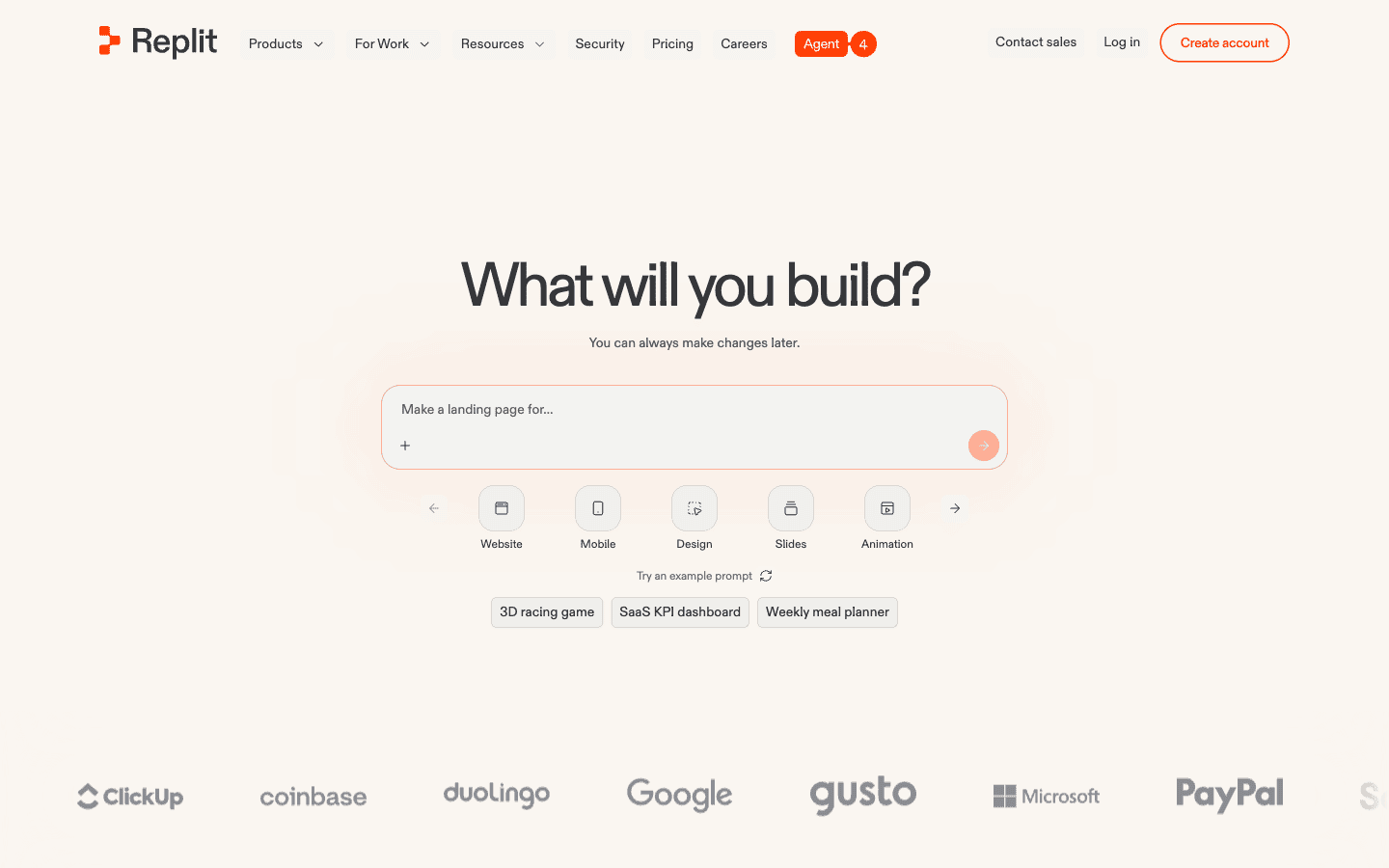
Replit’s AI Agent builds, runs, and deploys apps from a prompt entirely in the browser, handling code, hosting, and databases together. For vibe coding from idea to live app without setup, with the option to edit the code, it is a complete environment.
- Known for: Building and deploying apps in one place.
- Pricing: Free Starter; Core $25/mo ($20/mo billed annually); Pro $100/mo.
Best Agentic Vibe Coding Tools
These hand more of the work to an AI agent that codes on its own, close cousins of the broader AI agents category.
9. Claude Code
Best for: Developers who want a capable coding agent in the terminal.
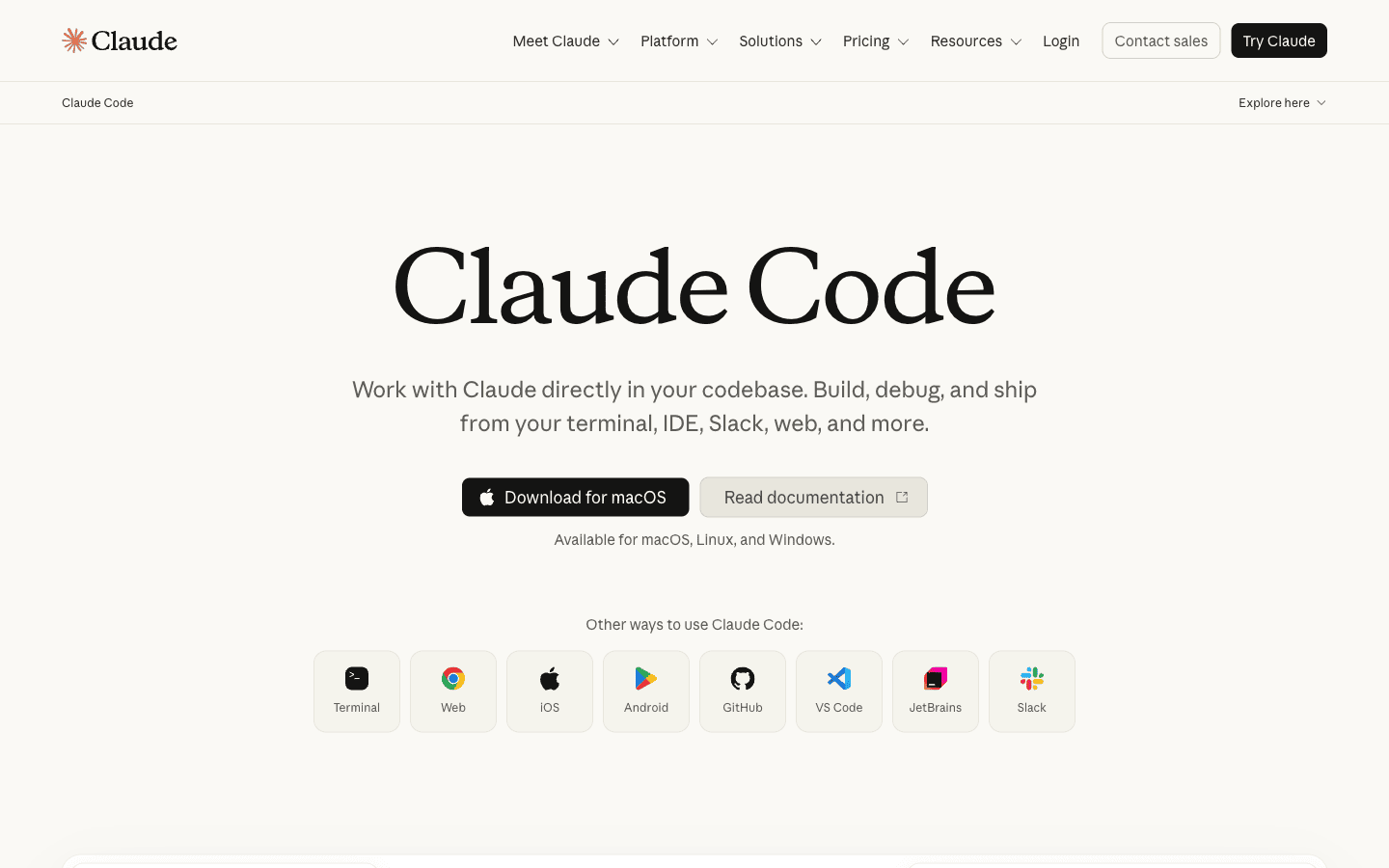
Claude Code, from Anthropic, is an agentic coding tool that works in your terminal, understanding your codebase and carrying out multi-step coding tasks from natural-language instructions. For developers who want a powerful coding agent that acts across a real project, it is a leading choice.
- Known for: Agentic coding in the terminal.
- Pricing: No free tier; included in Claude Pro $20/mo; Max plans $100 to $200/mo.
10. Devin
Best for: Delegating whole coding tasks to an autonomous agent.
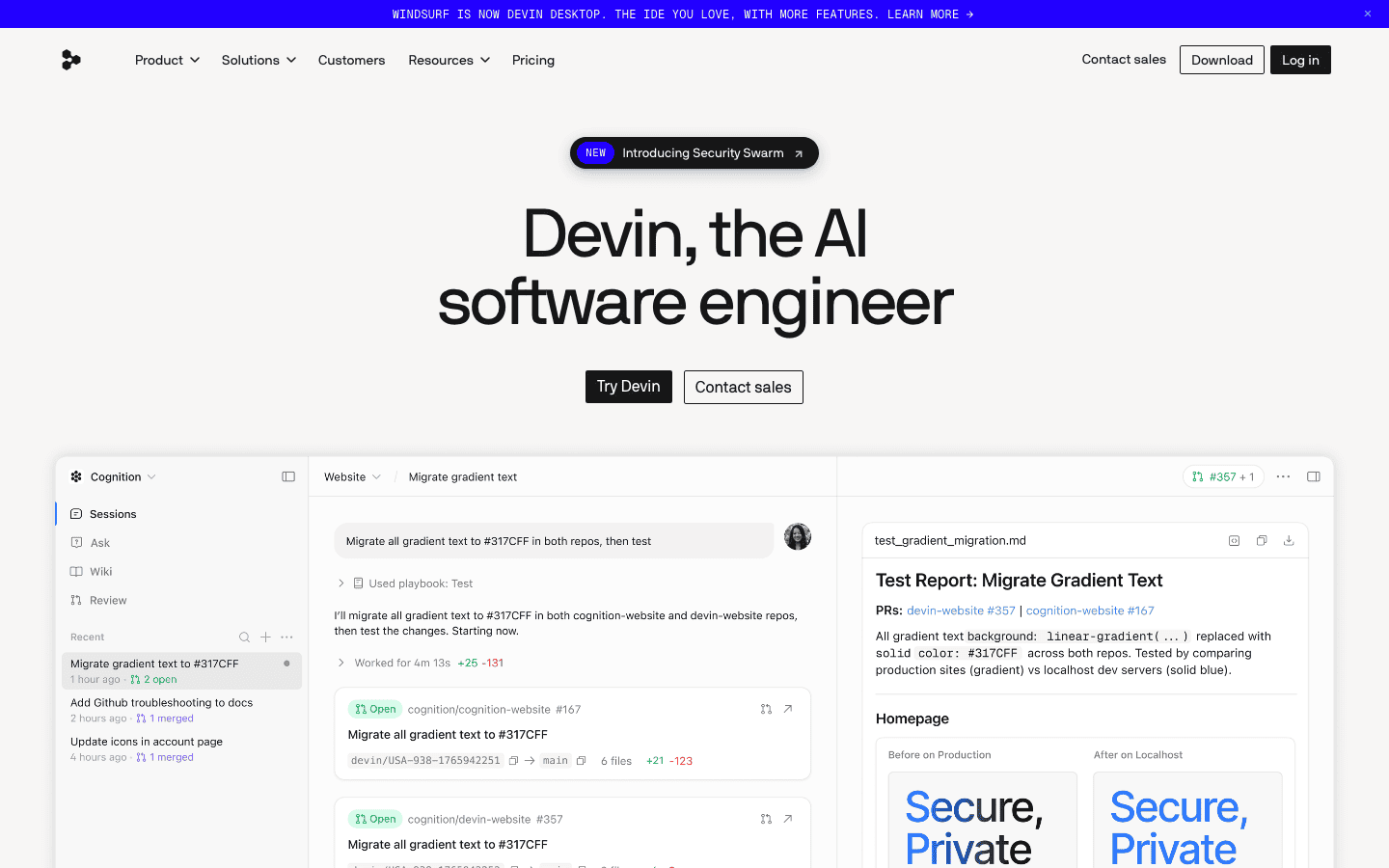
Devin, from Cognition, is marketed as an autonomous AI software engineer that can take a task and work through it largely on its own, from planning to coding to testing. For teams experimenting with handing whole tasks to an AI agent, it is the highest-profile attempt at fully autonomous coding. Plans now start at $20 per month, a long way from the $500 it launched at.
- Known for: Autonomous, end-to-end AI software engineering.
- Pricing: Free tier; Pro $20/mo; Max $200/mo; Teams $80/mo plus $40 per seat.
Other Notable Vibe Coding Platforms
11. Google AI Studio
Best for: Vibe coding with Google’s Gemini models.
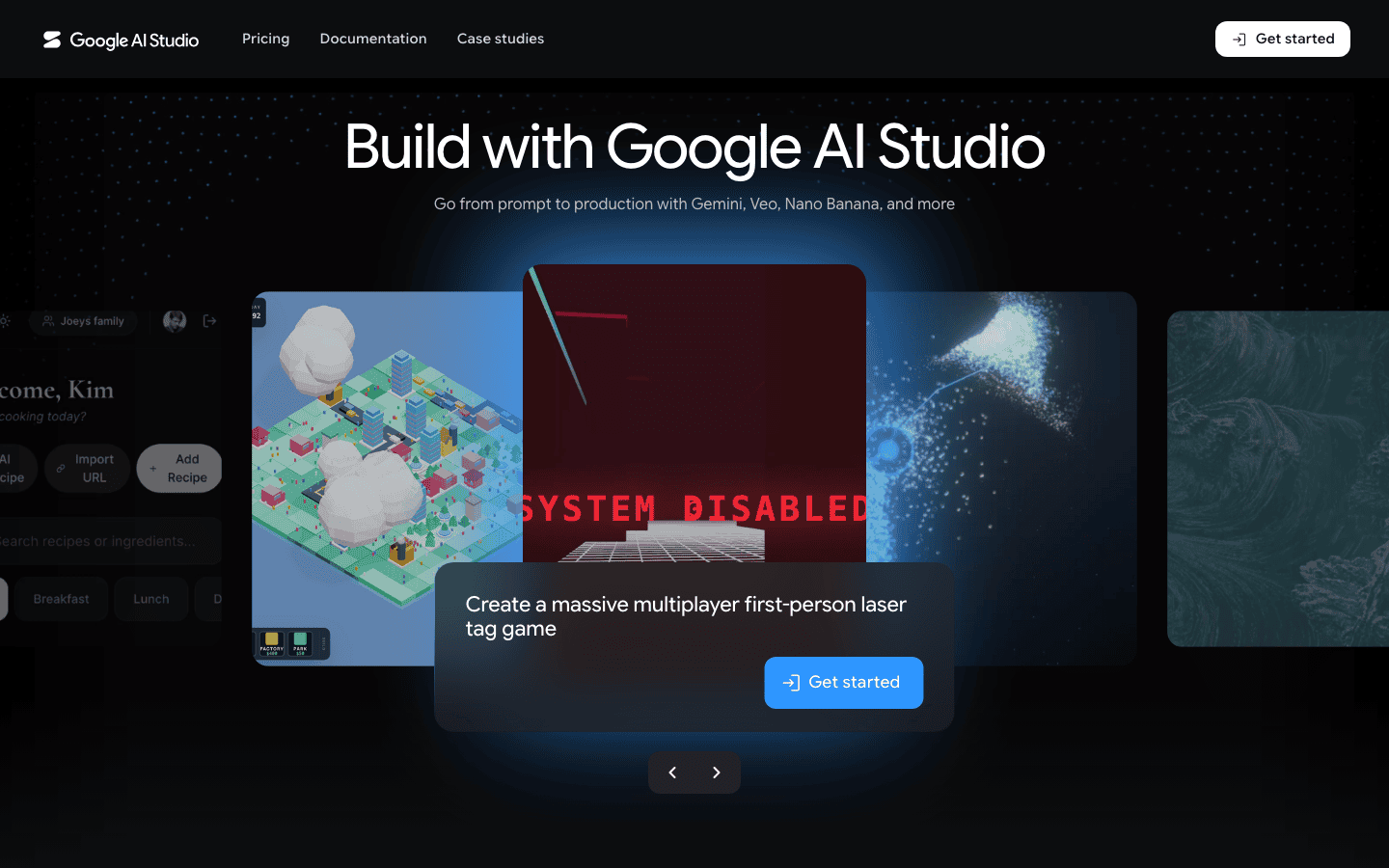
Google AI Studio lets you build and prototype apps and AI features using Gemini models, including a vibe-coding-style “Build” experience for generating apps from prompts. For developers in the Google ecosystem wanting to vibe code with Gemini, it is a natural, capable platform.
- Known for: Building apps and AI features with Gemini.
- Pricing: Free to use; production Gemini API is pay-per-token.
12. Vibecode
Best for: Building mobile apps from a prompt, no code.
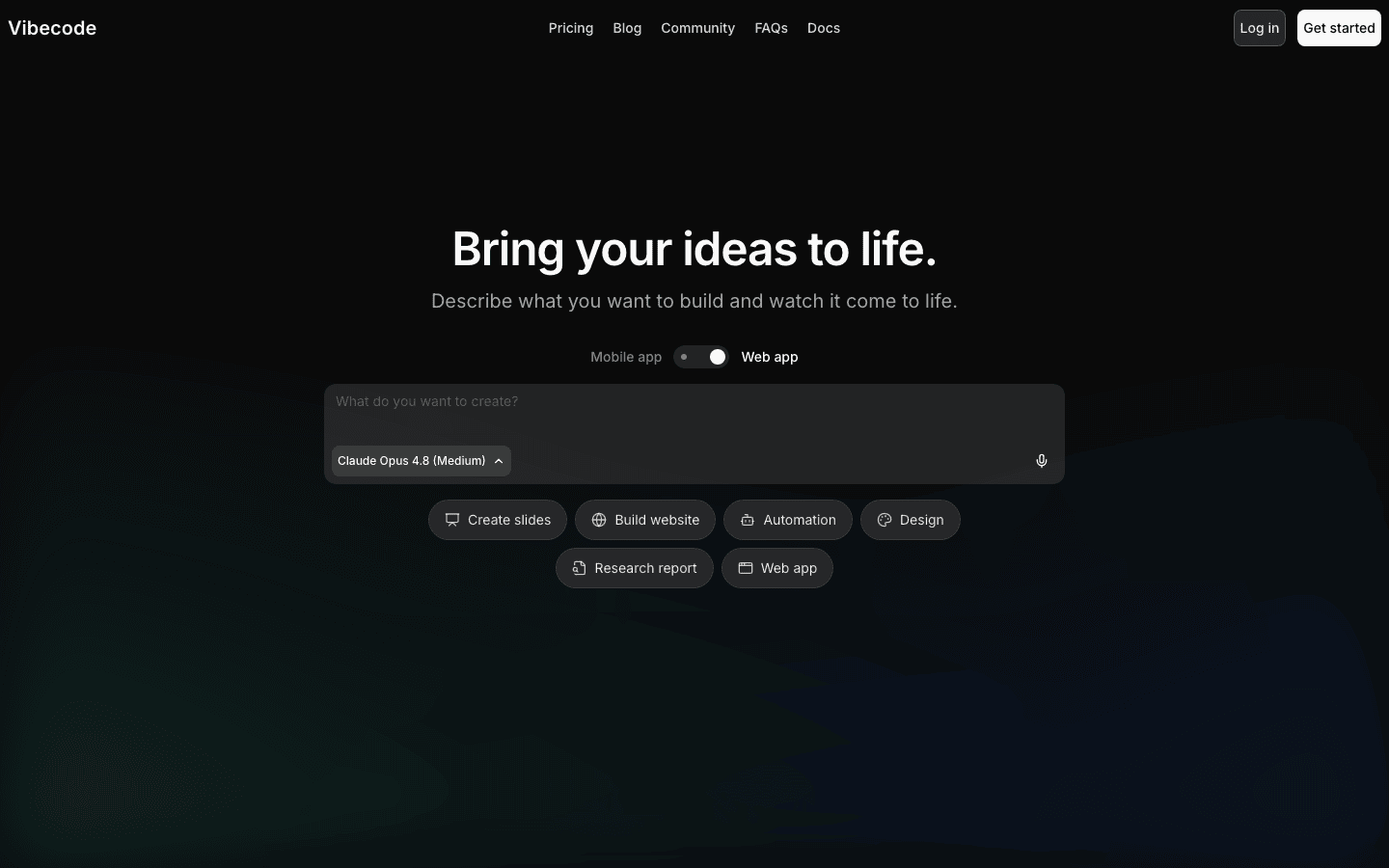
Vibecode focuses on building mobile apps from a prompt, generating working iOS and Android apps from a description, an area many web-focused tools do not cover well. For people who specifically want to vibe code a mobile app, it fills a useful niche.
- Known for: Generating mobile apps from prompts.
- Pricing: Free (limited); Plus $20/mo; Pro $50/mo.
How to Choose a Vibe Coding Tool
Start with what you are building and your skill level. If you are a developer who wants speed with control, an AI editor, Cursor, Windsurf, GitHub Copilot, or low-cost Trae. If you are non-technical and want a working app from a description, a prompt-to-app builder, Lovable, Bolt, v0, or Replit for build-and-deploy. For mobile specifically, Vibecode; for Gemini, Google AI Studio; and to hand off whole tasks, agentic tools like Claude Code or Devin. Whatever you pick, review and test what the AI produces, vibe coding is fast but you remain responsible for whether the result actually works and is secure. For developer-focused options, see our AI coding assistants guide.
The Bottom Line
Vibe coding has moved from novelty to a normal way software gets built, and the tools have settled into clear lanes. Developers who want control should start with Cursor, or Trae if budget matters. Non-developers should hand Lovable or Bolt a prompt and see how far it goes, and anyone curious about agents can point Claude Code at a real repo for $20 a month. Whichever you pick, keep one habit from traditional programming: review and test everything the AI ships.
Frequently Asked Questions
Cursor, Windsurf, GitHub Copilot, and Trae lead among AI code editors; Lovable, Bolt, v0, and Replit for turning prompts into apps; Claude Code and Devin for agentic coding; and Google AI Studio and Vibecode round it out. The best depends on whether you want to code in an editor, build a full app, or use an agent.
Vibe coding, a term coined by Andrej Karpathy in 2025, is building software by describing what you want in natural language and letting AI write the code, focusing on the result rather than writing every line. You prompt, run, and refine, with the AI handling implementation.
Yes, to a degree, you can ask ChatGPT to write and explain code from a description. But dedicated vibe coding tools like Cursor, Bolt, or Replit are far more effective because they work directly in your codebase or build and run the app for you, rather than just returning code snippets to copy.
Most individual plans run $10 to $30 per month: GitHub Copilot Pro is $10/mo, Cursor, Windsurf, Devin, and Claude Code start around $20/mo, and Lovable, Bolt, and Replit around $25/mo. Nearly every tool has a free tier to start, Trae has the cheapest paid entry at $3/mo, and heavy users can spend $100 to $200 per month on top tiers.
Yes, it has made building software far more accessible to non-developers, who can create real apps from a description using tools like Lovable or Bolt. The caveat is that you still need to review and test what the AI builds, and understanding some fundamentals helps you fix issues and avoid security or quality problems.
It is improving fast and powers real products, but AI-generated code can contain bugs, security flaws, or inefficiencies, so it should be reviewed and tested, especially for anything important. Vibe coding is excellent for prototyping and simpler apps; for production-critical software, treat the AI’s output as a draft a human validates.

Inside AI Media is a global platform that covers what’s happening in AI without the fluff. From breaking news to practical use cases, it keeps professionals, builders, and decision-makers updated on the latest in artificial intelligence, so they can make better, faster decisions and stay ahead.